Agent のインストール (Coordinator マシン)
ここでは Coordinator マシンに Agent をインストールする手順をみていきます。
-
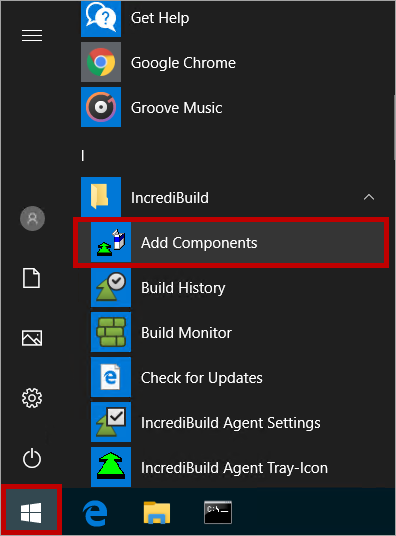
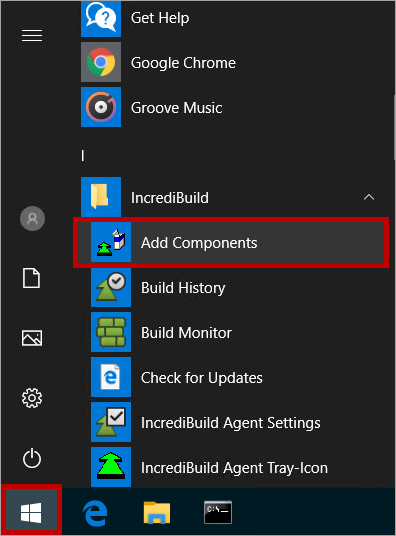
Windows のスタート メニューを開いて、[Incredibuild] > [Add Components] の順に選択します。
-
Incredibuild セットアップ ウィザードの「Welcome」画面で [Next] をクリックします。
-
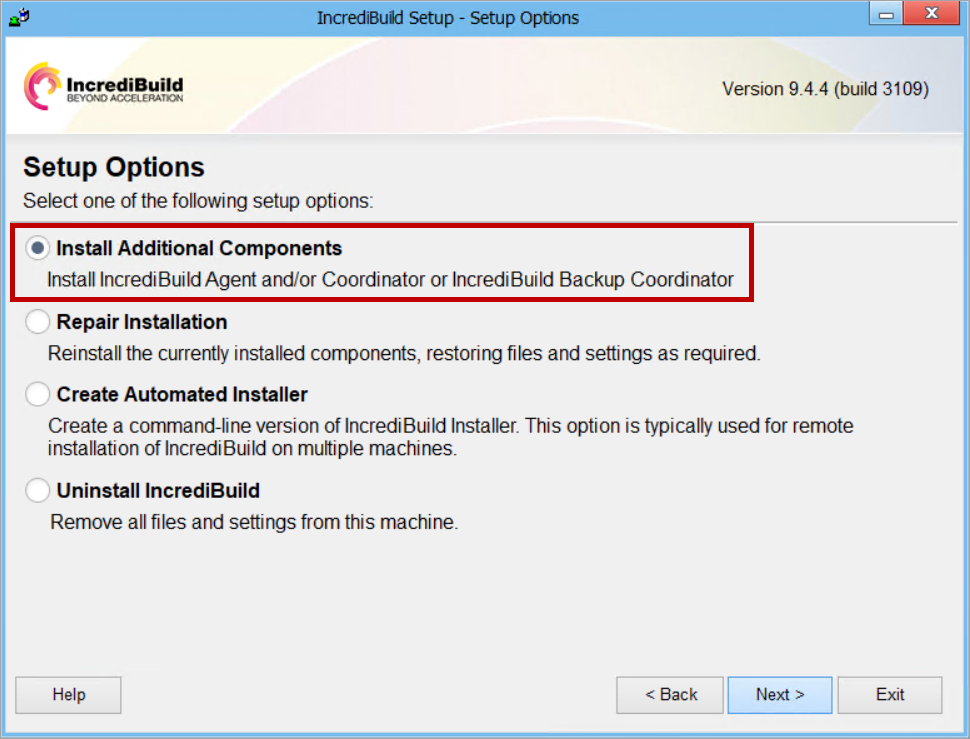
「Setup Options」画面で [Install Additional Components] を選択して[Next] をクリックします。
-
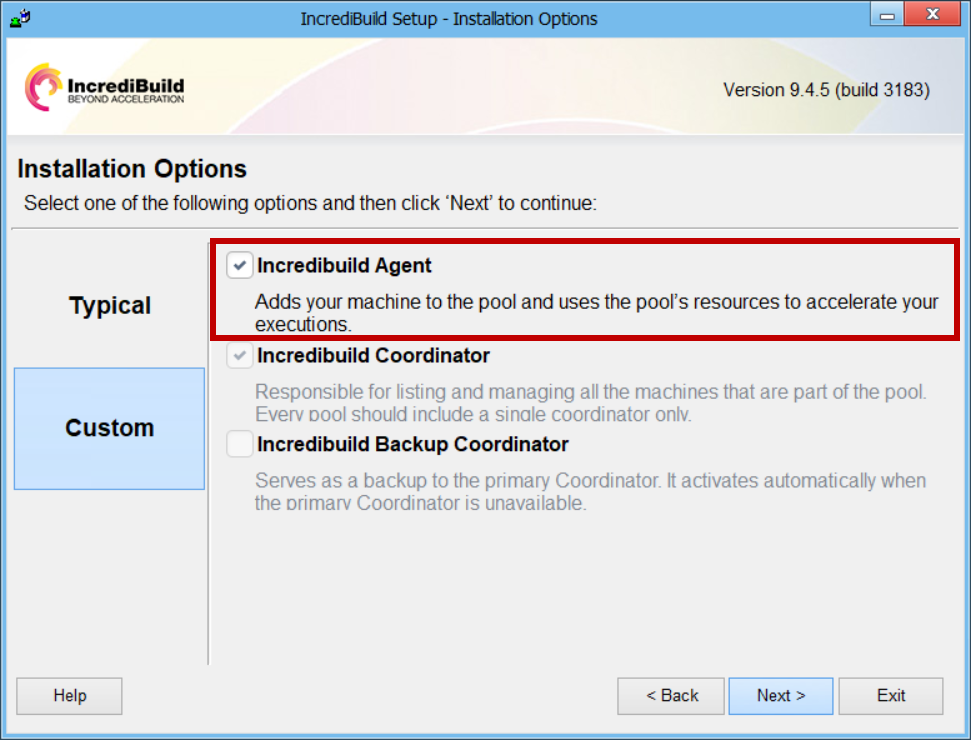
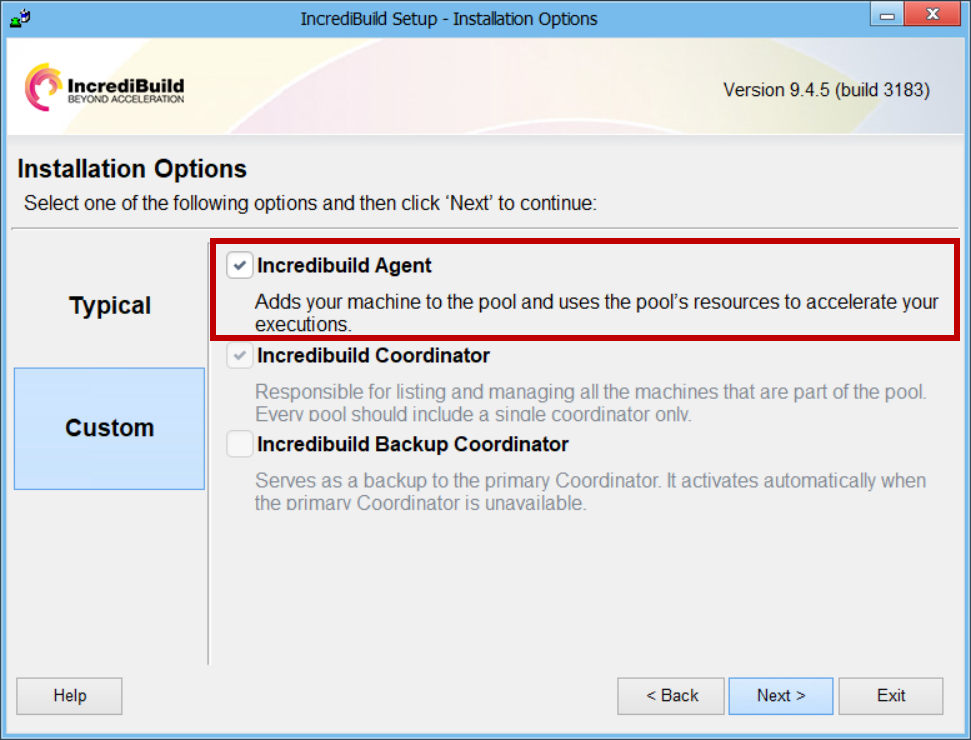
「Installation Options」画面で [Incredibuild Agent] のチェックボックスをオンにして[Next] をクリックします。
指示に従ってインストールを完了します。