

To Enable SSL Using Incredibuild’s Self-Signed Certficiate
Go to the Coordinator Settings > Network tab and use the SSL checkbox (disabled by default):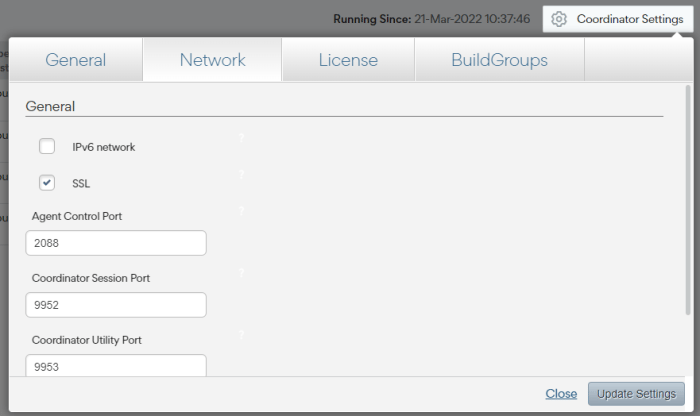
Enable SSL Using a Custom SSL Certificate
If you want to use your own certificate instead of Increduild’s self-signed certificate, you can upload your certificate manually.- Go to the Coordinator Settings > Network tab and check SSL.
-
Run the following script pointing to your certificate. Both the certificate and key must be base64 encoded and the key cannot be password protected.