

 icon:
icon:
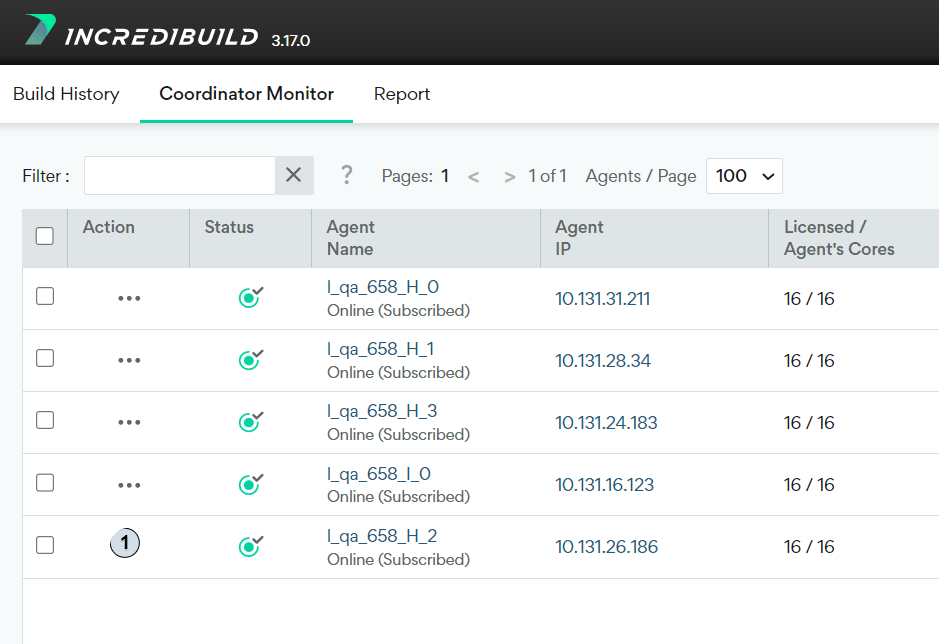
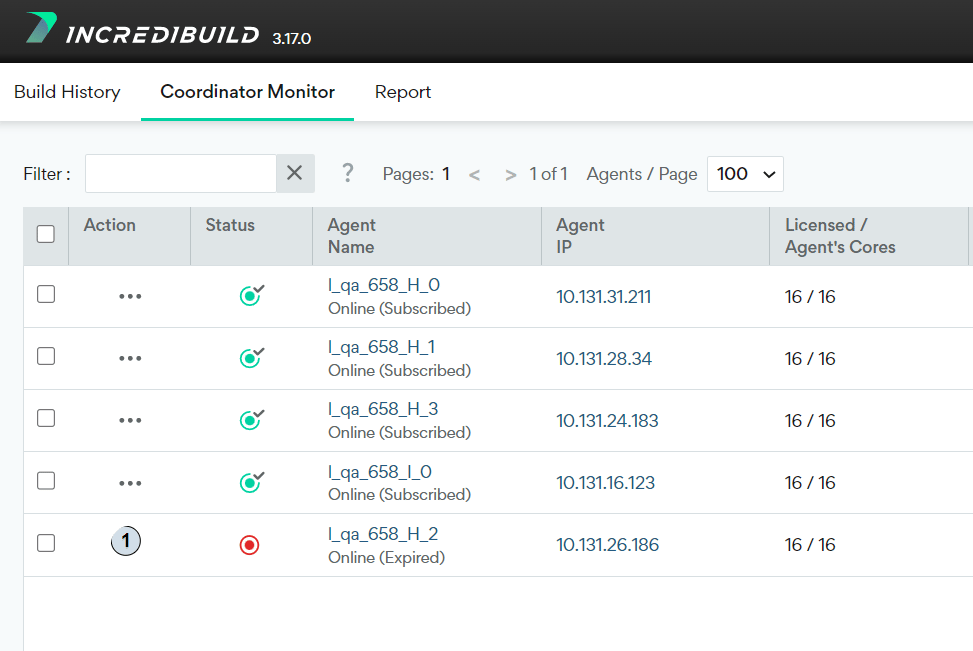
Creating VMs for SUVM Licenses
The VMs that use SUVM licenses need to be created from a special VM image that was prepared in advance. This image should include a Helper and/or an Initiator Agent, which was installed on it using a specific Incredibuild installation command.- Create or select a VM that will serve as the basis for the SUVM image.
-
Install an Agent (either Helper, initiator or both) on the selected VM as follows:
-
Where:
install- General installation command.-S- Initiator Agent and Helper Agent installation. You can replace the-Scommand with the-Hcommand to only install a Helper Agent.-R SUVM- SUVM installation command.-O- The IP address or hostname of the Coordinator that will communicate with the Agent.-A- The storage directory, where Incredibuild DBs and file cache will be stored.
-
Where:
- Save the VM with the installed Agent as an image. From this point on, if you want to launch VMs for a single use in Incredibuild Environment, use your SUVM image as the basis for these VMs.