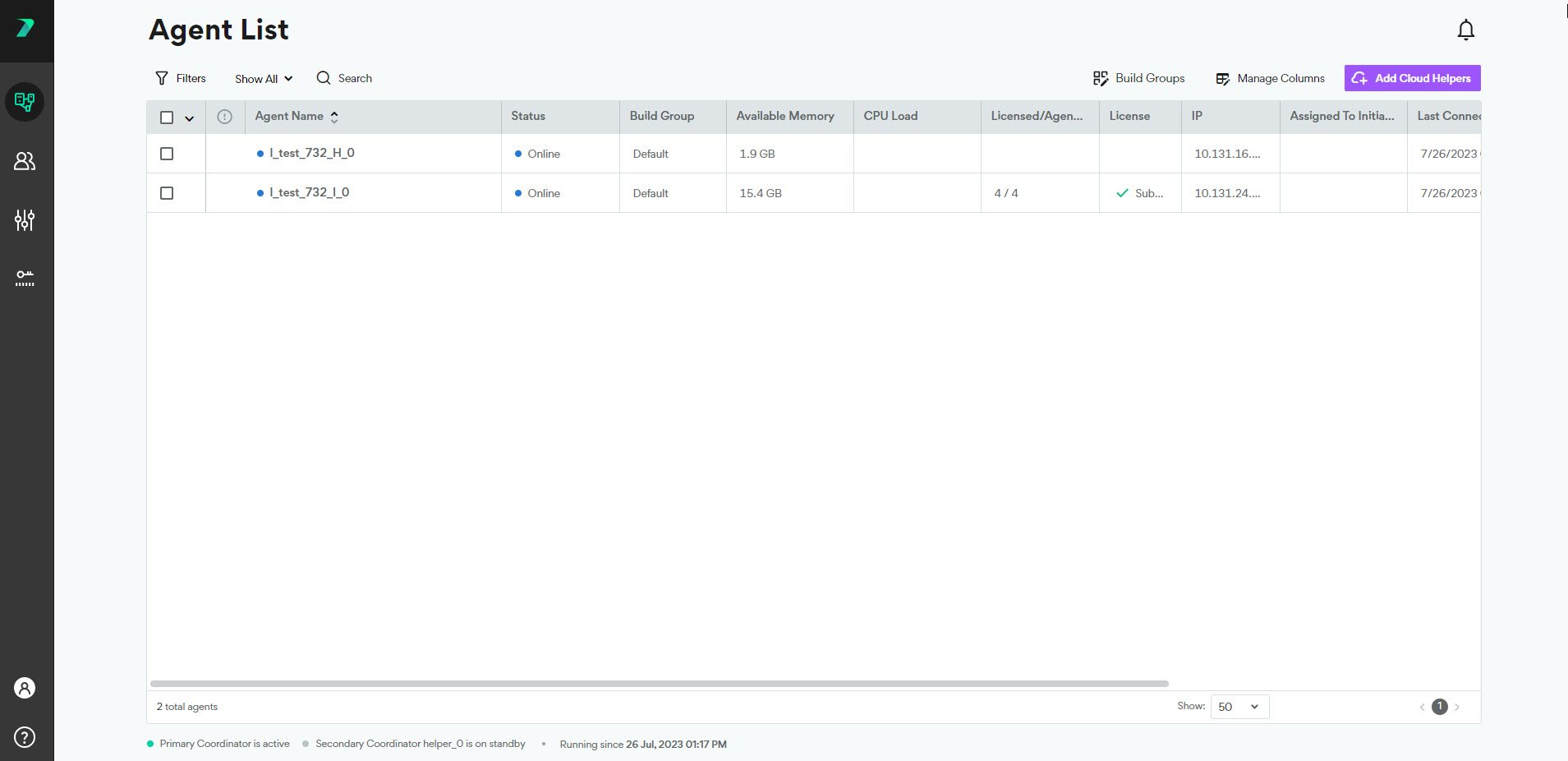
View Agent Details and Status
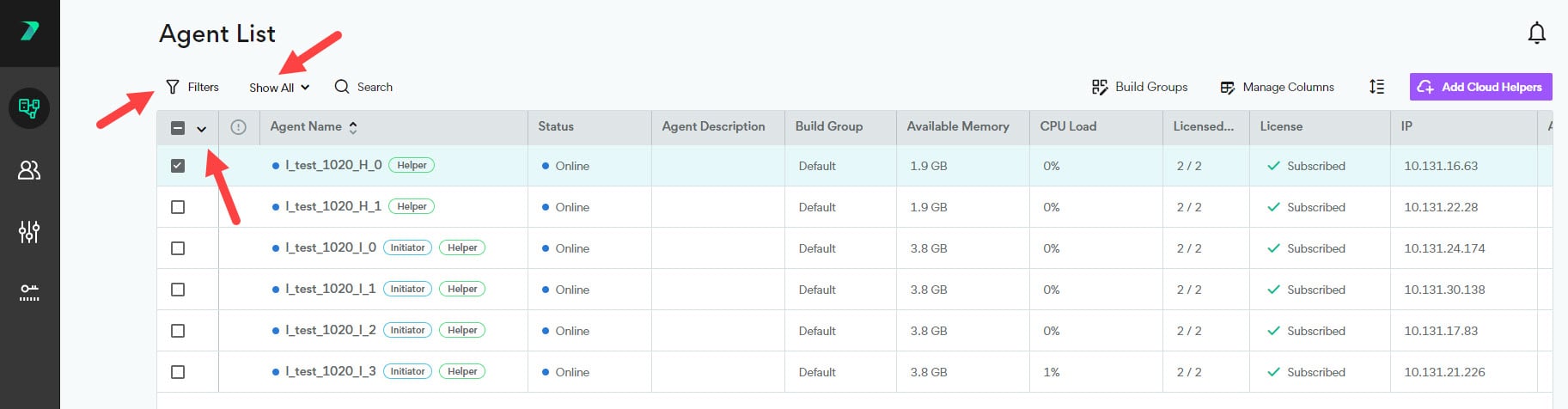
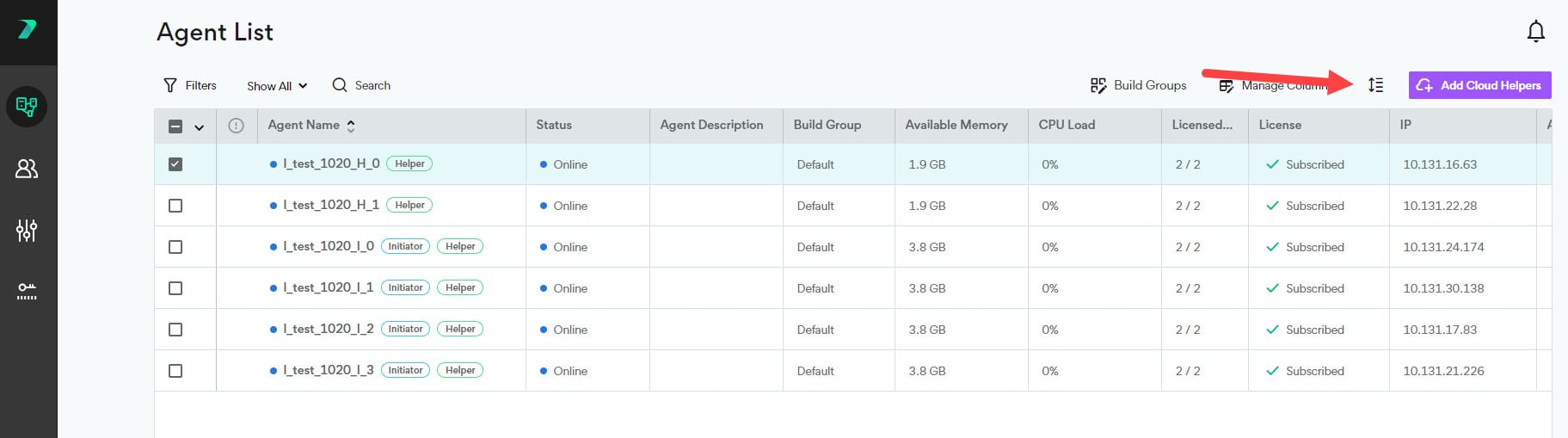
The agent list shows you information about each Agent such as it’s status, available CPU, and description. Click Manage Columns to add or remove columns from the list. You can filter the list of options by typing a string in the search column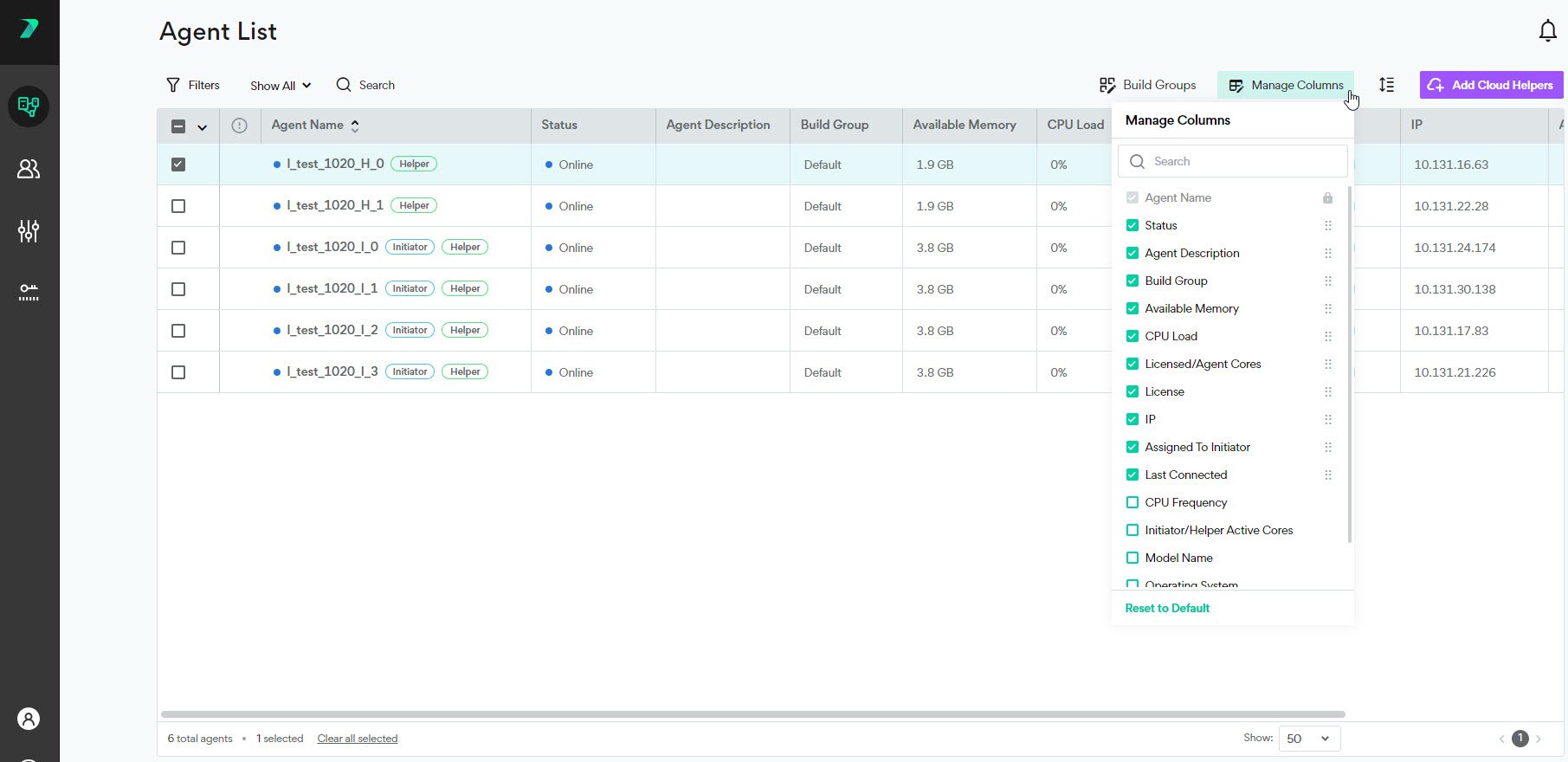
A colored circle indicates the status of each Agent:
-

-

-

-

-

Filter the Agent List
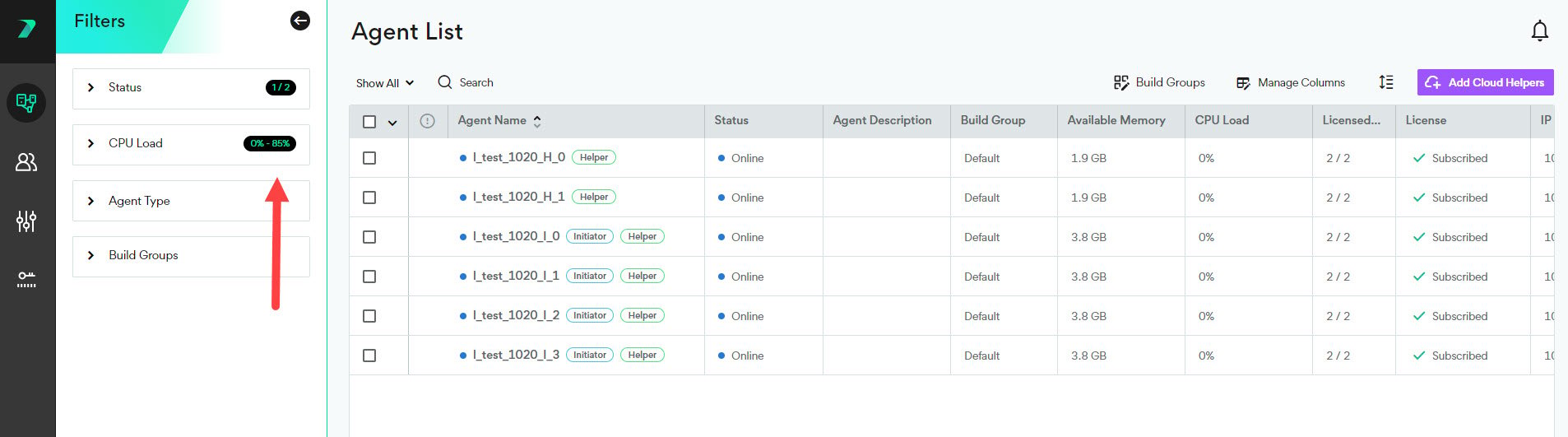
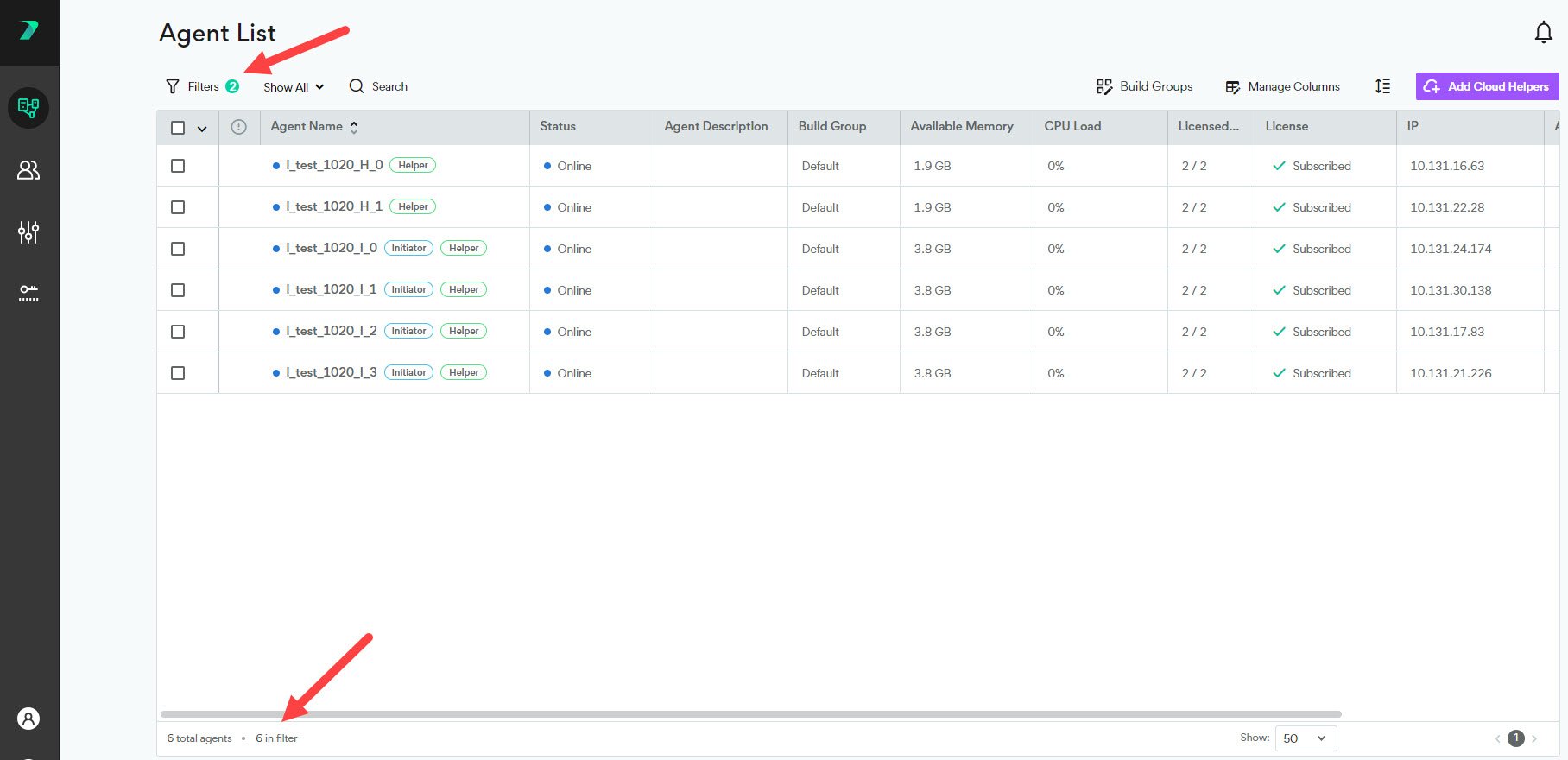
You can filter the agent list by typing in the search bar, using the quick filter drop-down, or using the filter button. The search bar scans the following attributes: Agent Name, Build Group, IP, routing IP, Mac Address and current build title.