

-
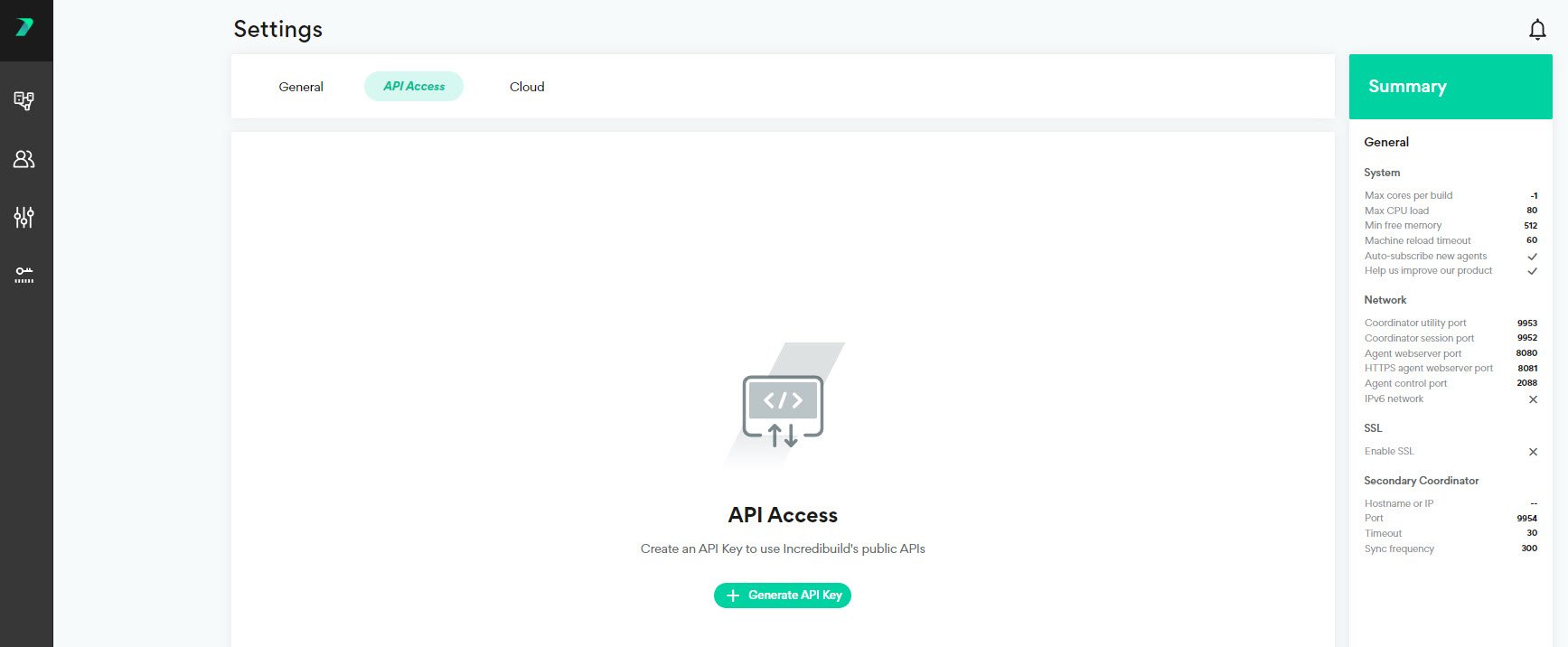
In the Coordinator Manager, go to Settings > API Access and click Generate API Key.
-
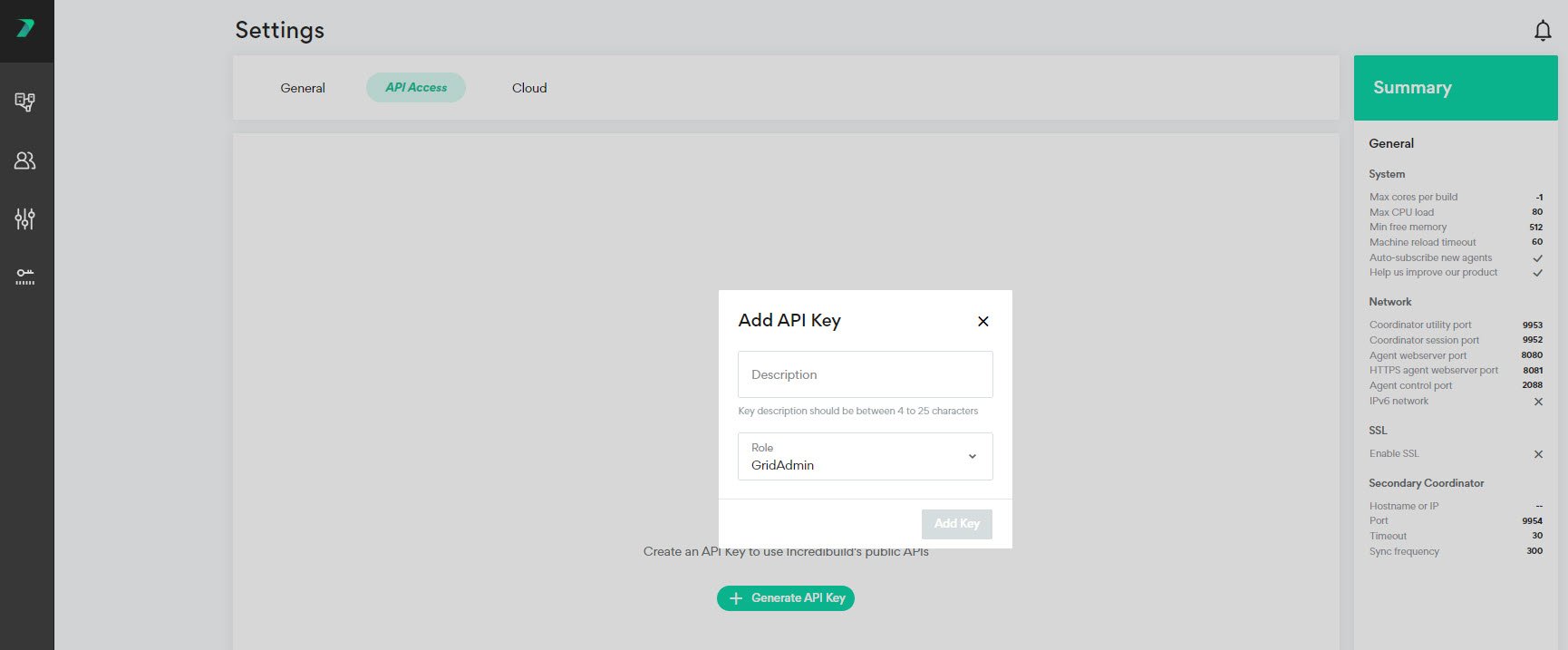
Enter a description to identify the API Key and specify the type of users who are allowed to use this key. Click Add Key.
-
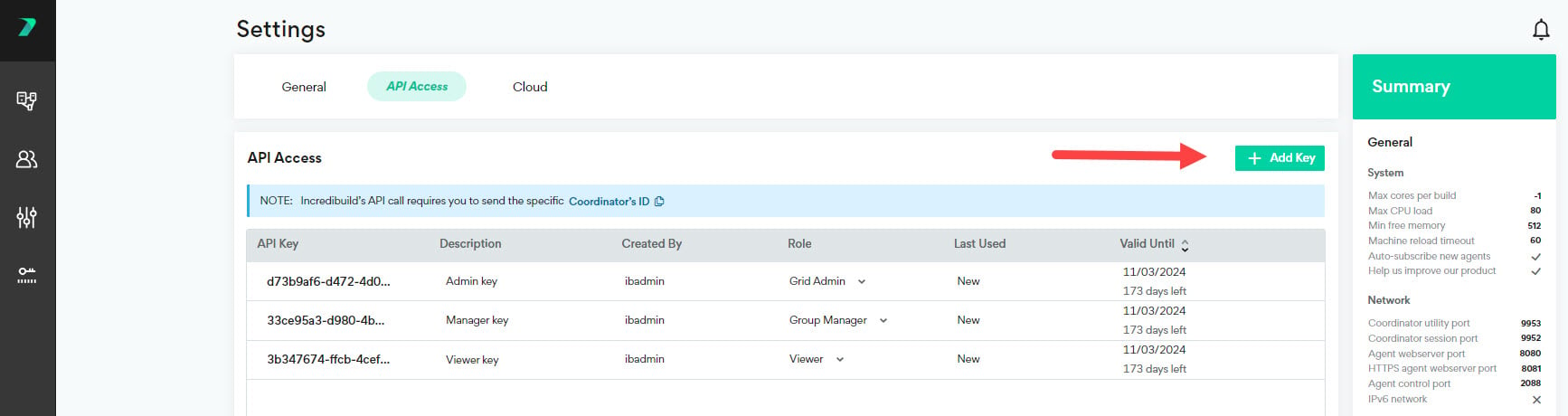
You can add additional API Keys by clicking Add Key.
-
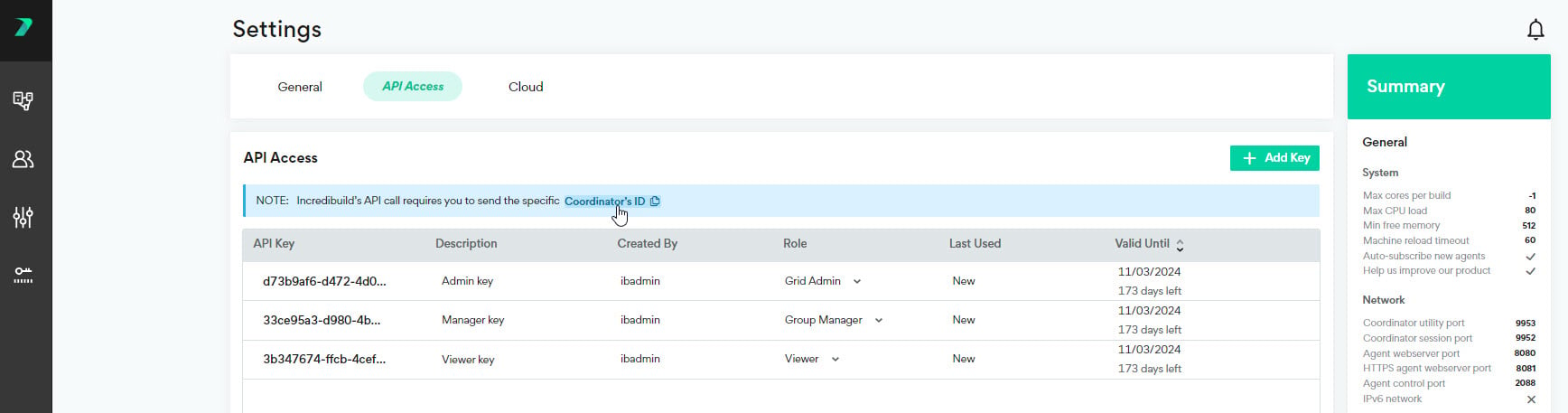
You can copy your Coordinator’s ID to the clipboard to help you create API’s.
-
You can edit an API Key by clicking the values in the columns and changing them.
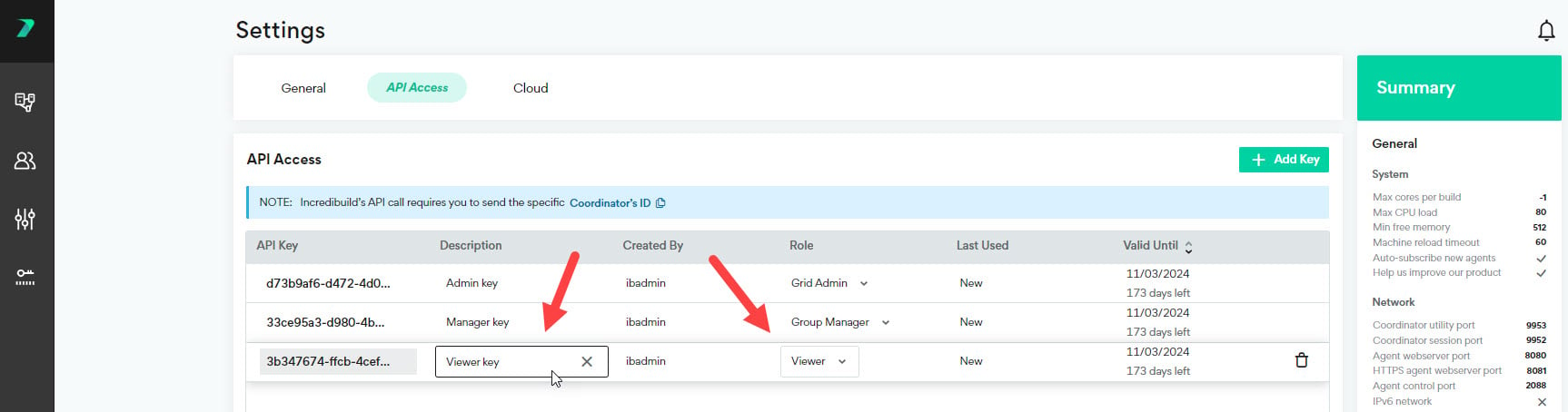
-
You can delete an API Key by clicking the trash icon.
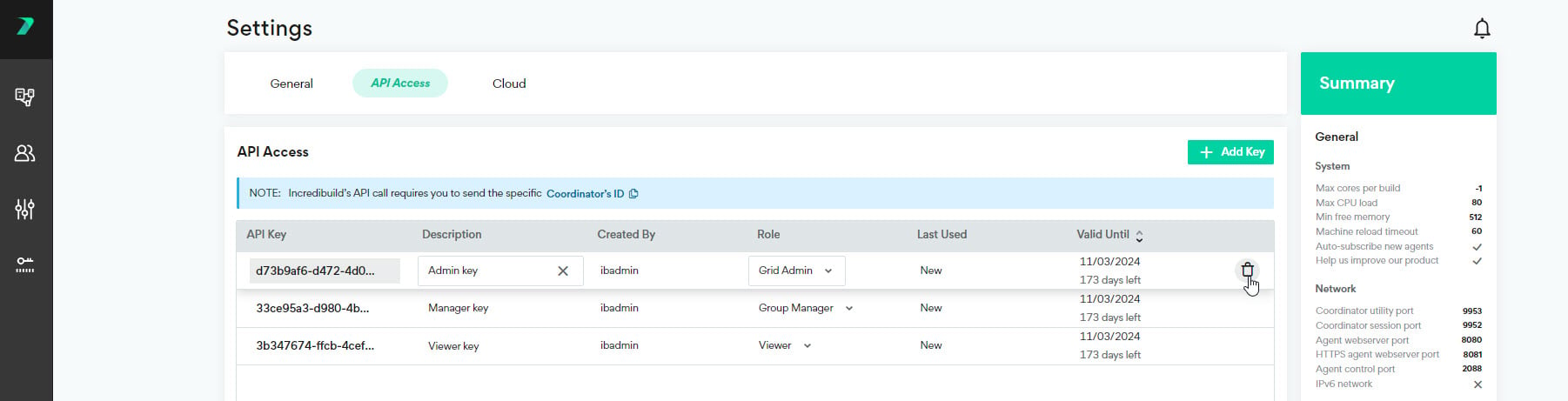
API Keys
Last updated on Nov 05, 2024
To enhance security for our API calls, you need to use a custom API key in every API call.