Uninstalling Incredibuild Enterprise Edition
- Open up the "install' file located in the directory where you have saved Incredibuild, or click on uninstall through the Windows "Add or remove programs" settings.
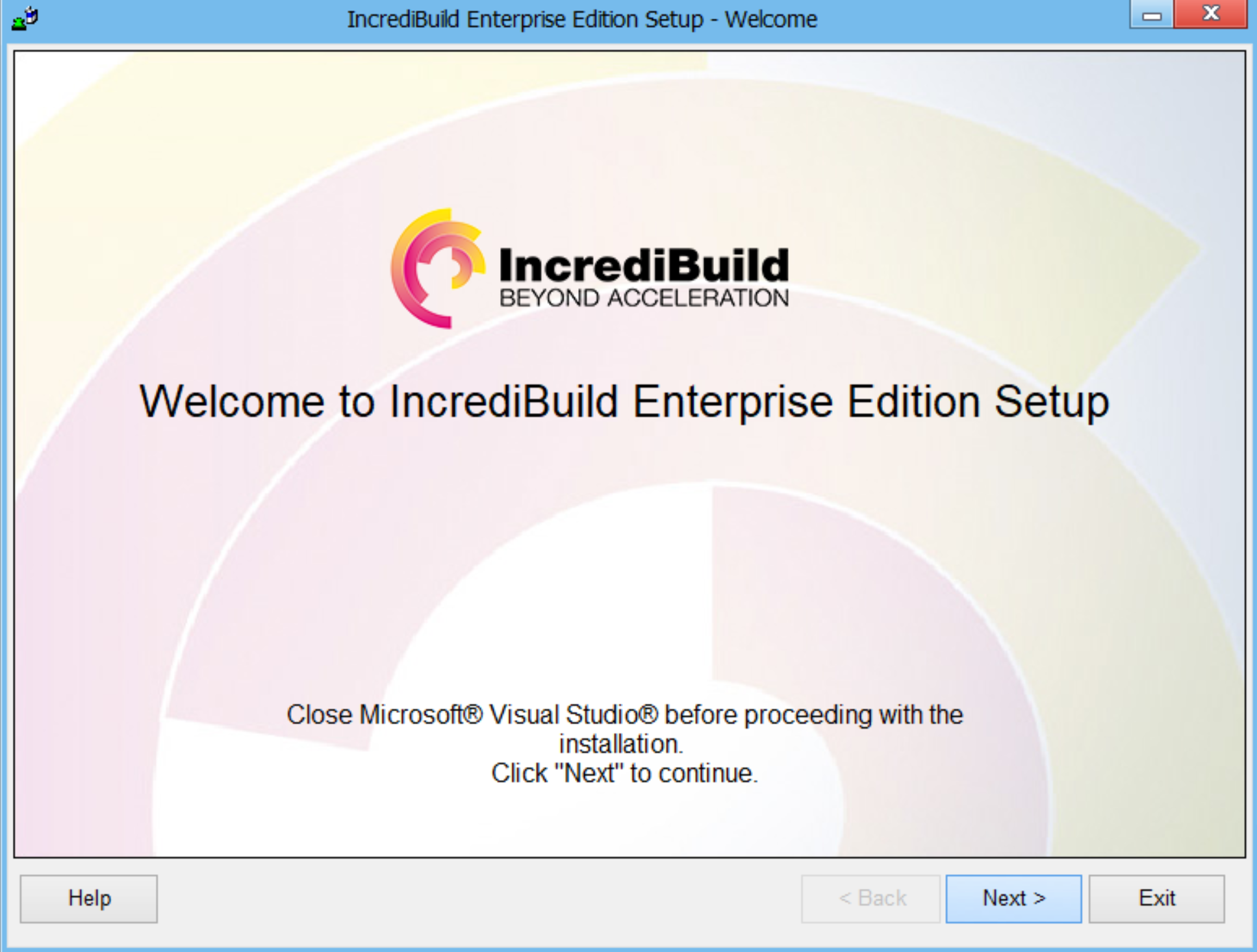
- You will then be greeted by this window:
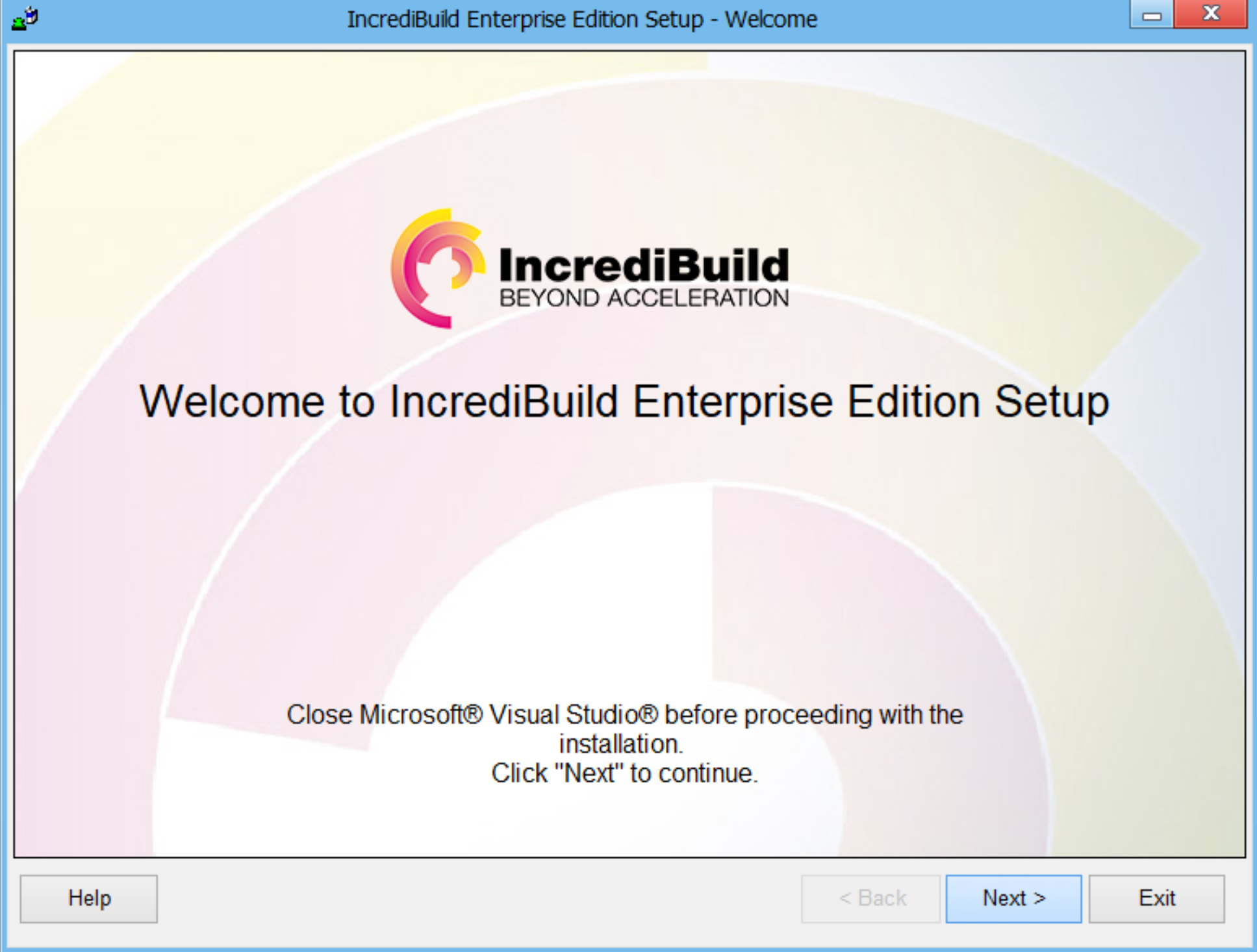
Click Next to proceed.
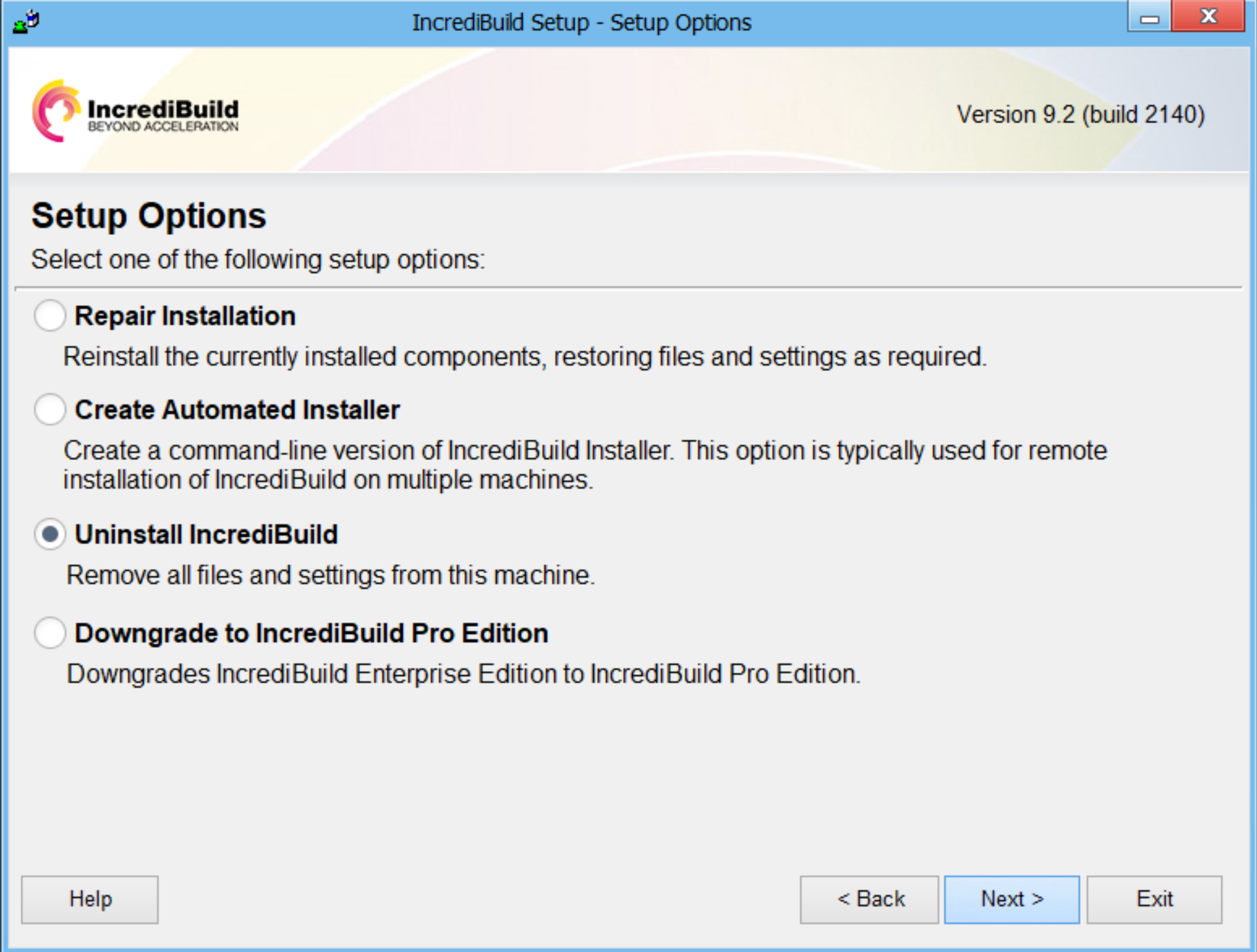
- You will be given four options. Select the "Uninstall Incredibuild" option if you would like to completely remove Incredibuild from this machine.
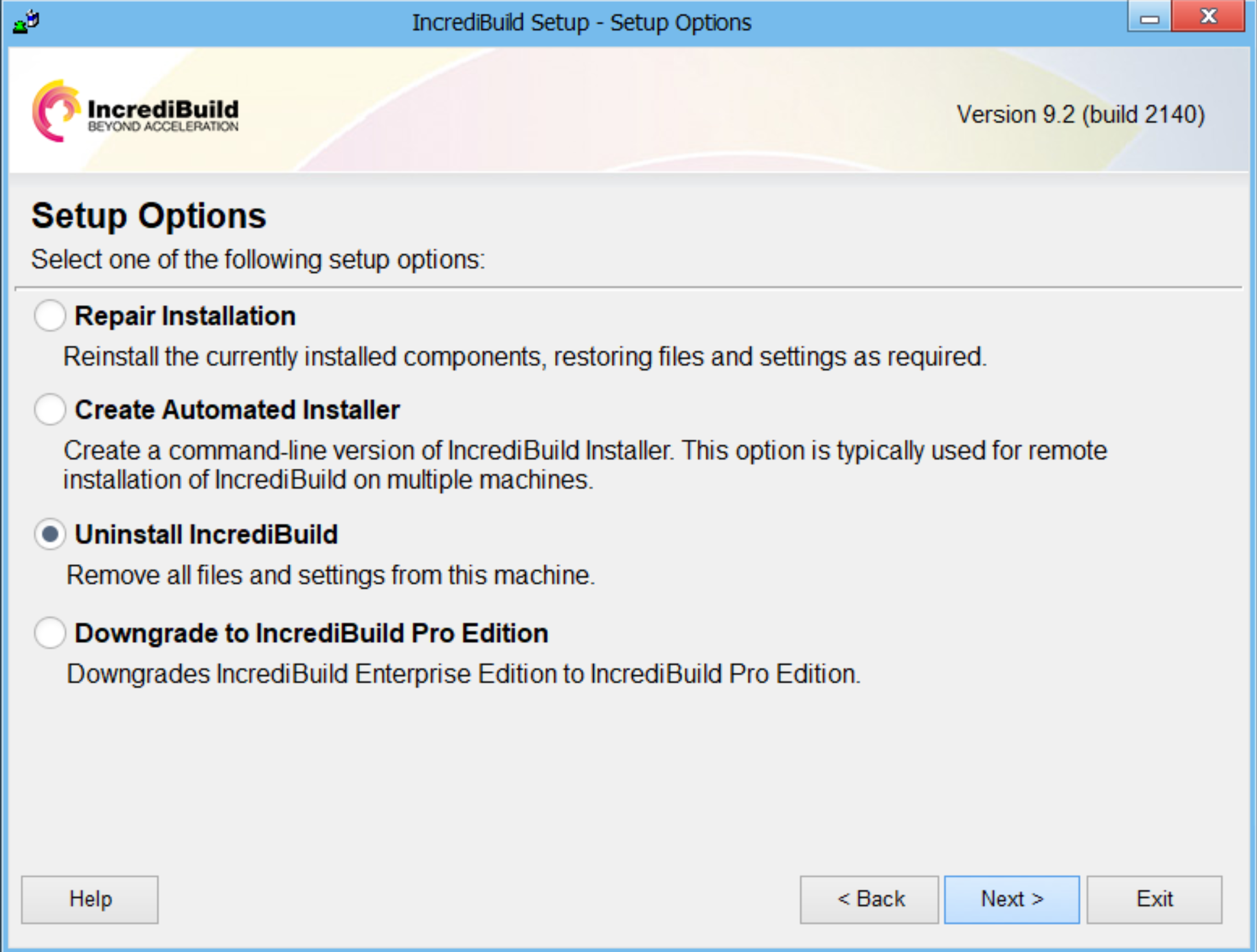
Click Next to proceed.
-
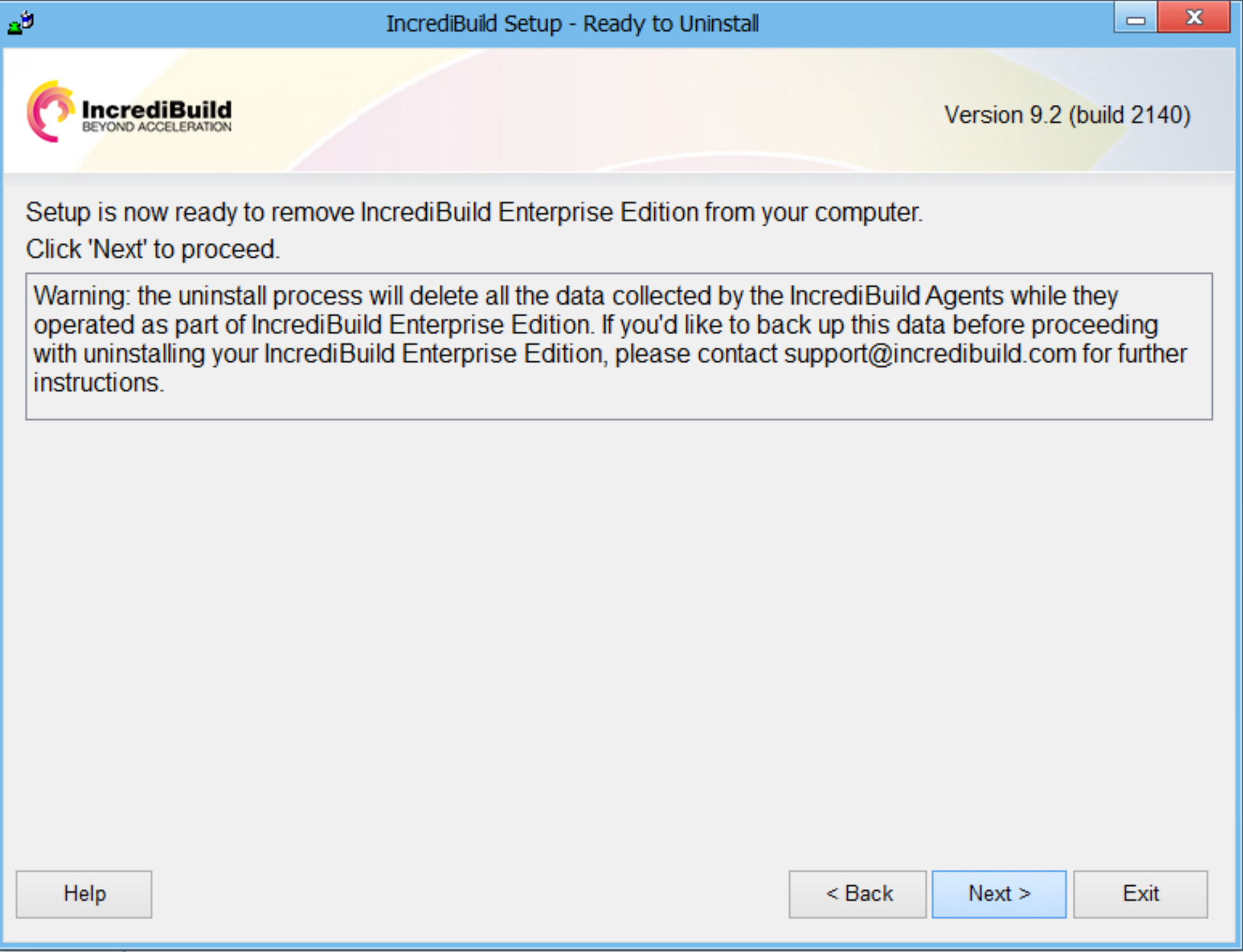
If you want to keep the data accumulated by the Incredibuild Enterprise Edition, please contact support@Incredibuild.com for further instructions.
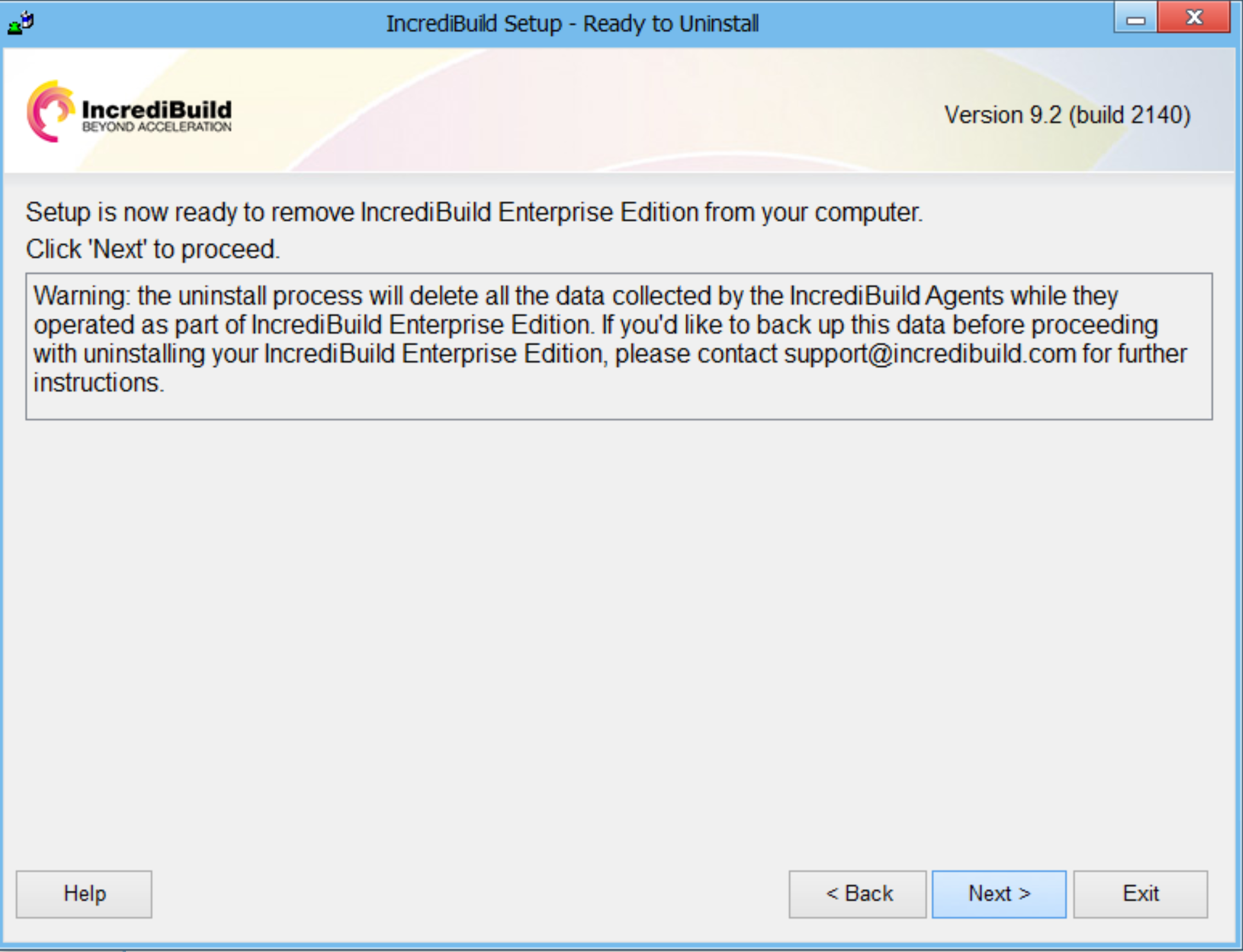
Click Next to proceed.
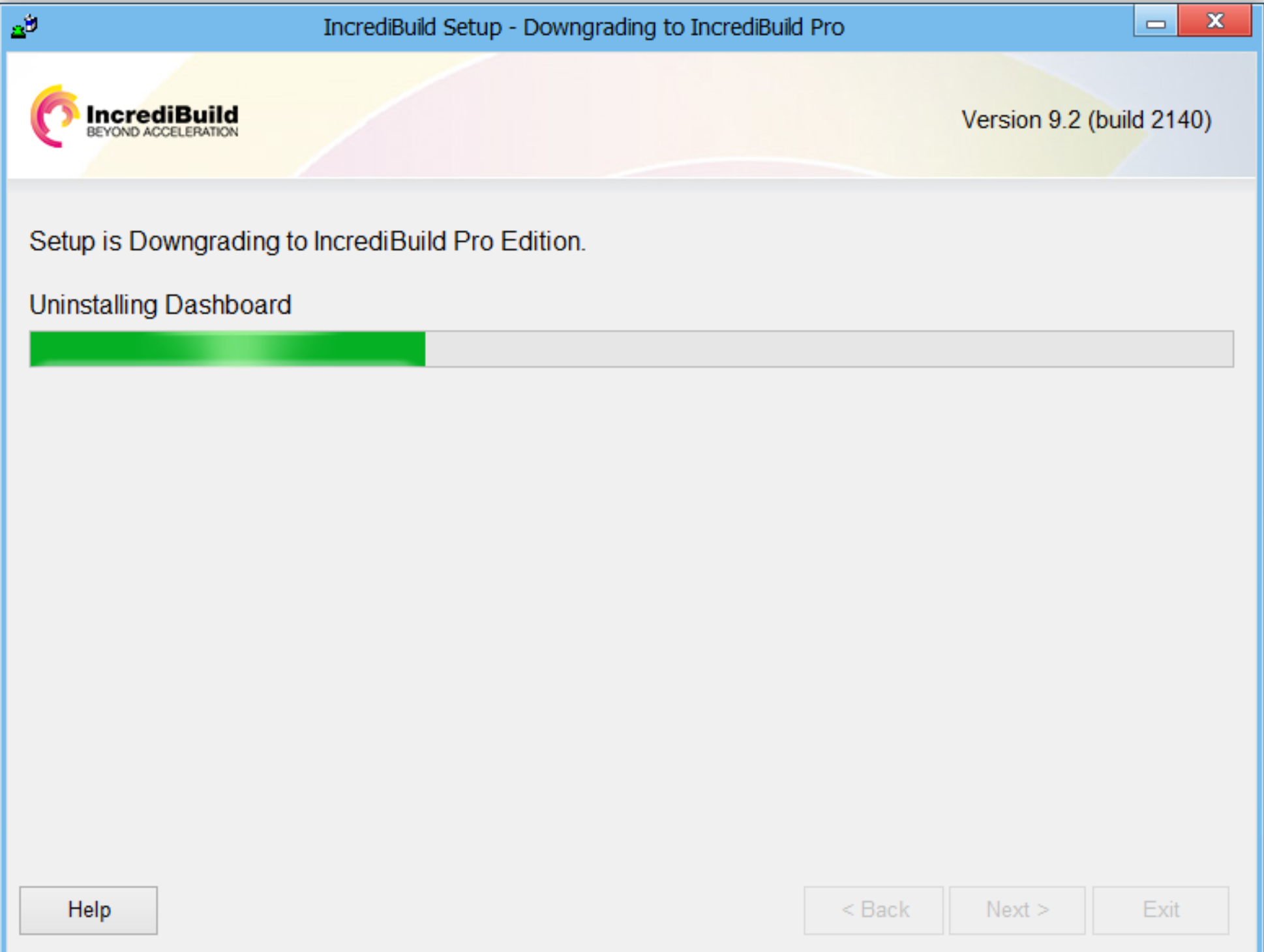
- The uninstall process will now begin.
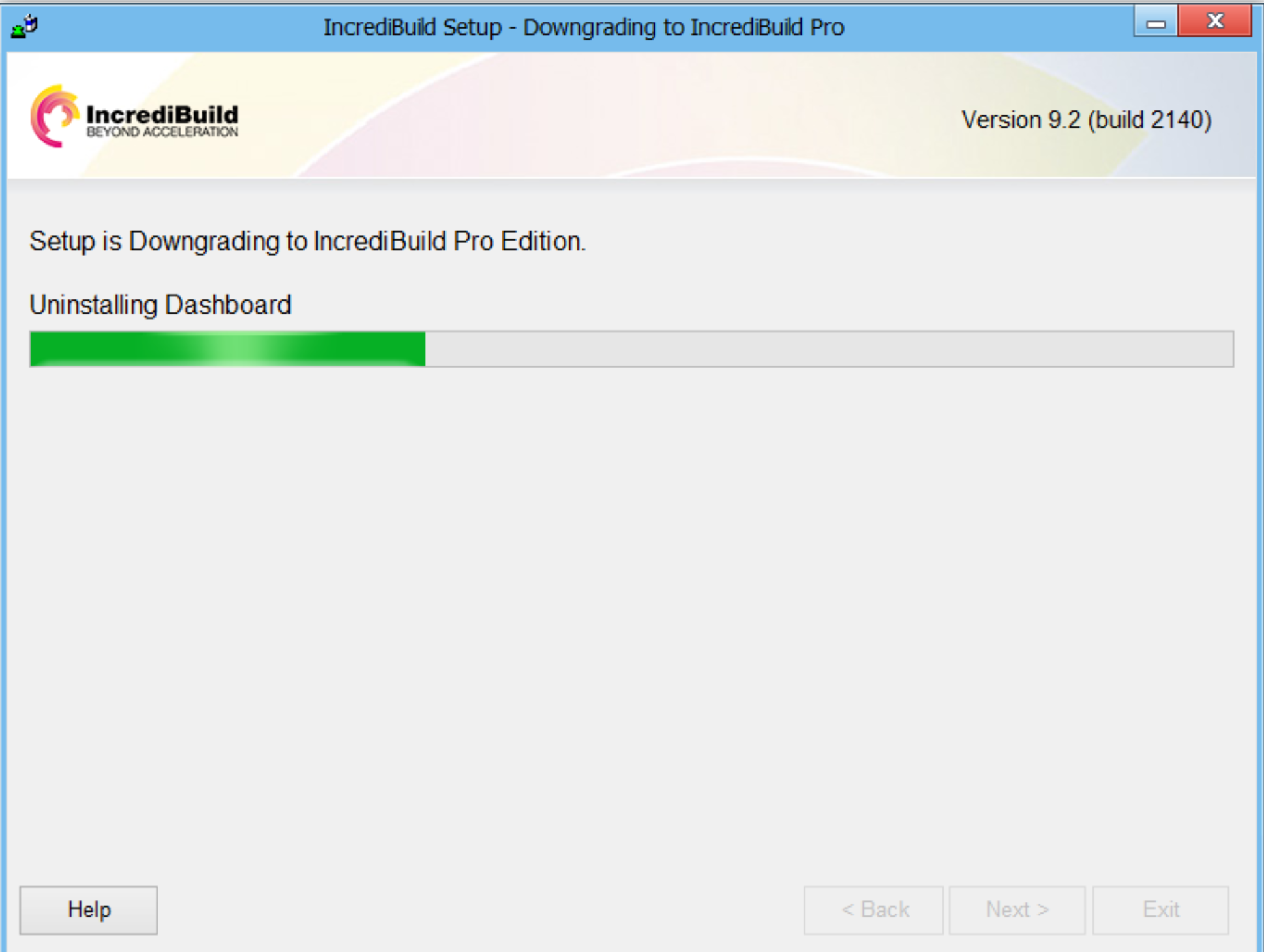
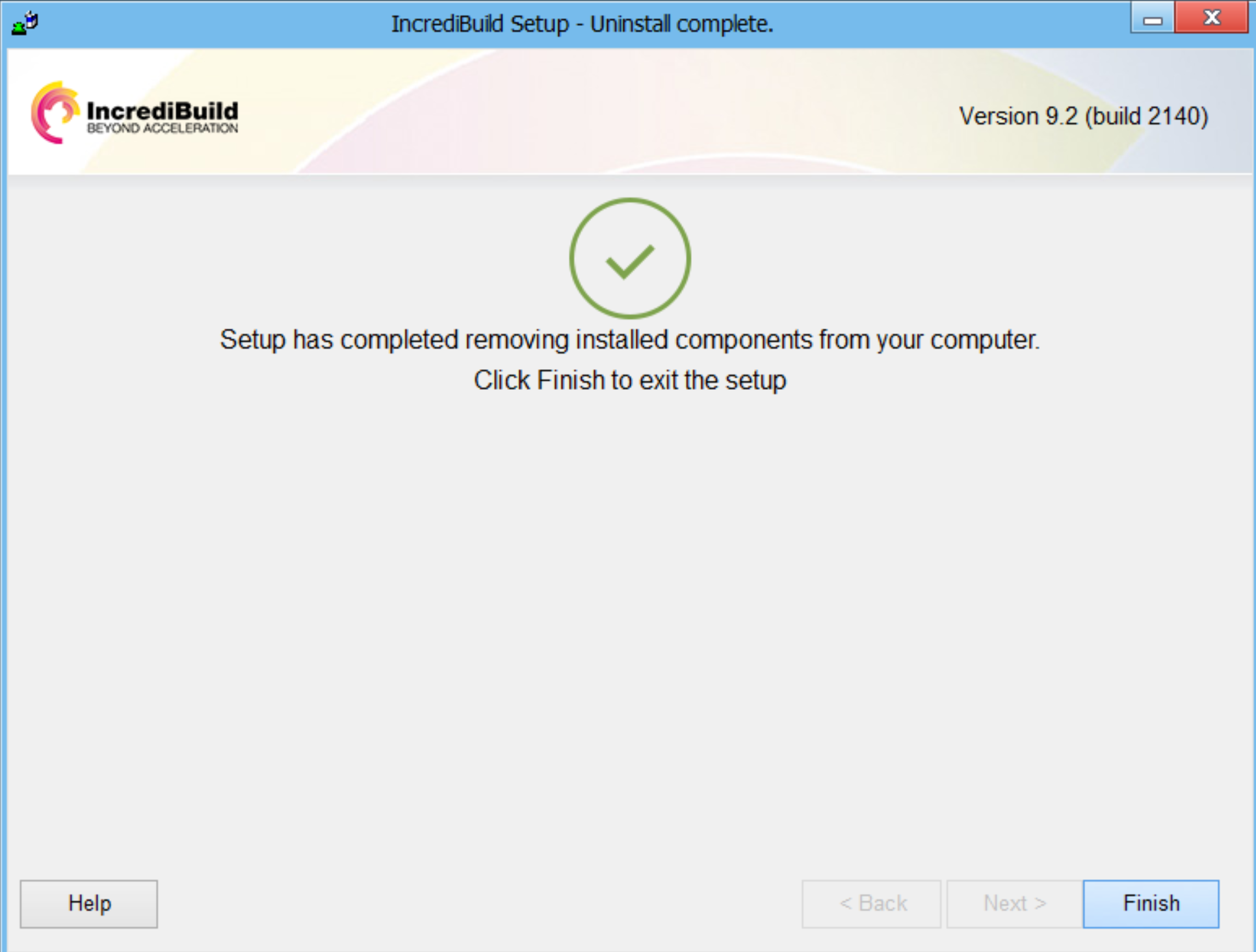
- Incredibuild Enterprise Edition is now successfully uninstalled from your machine.
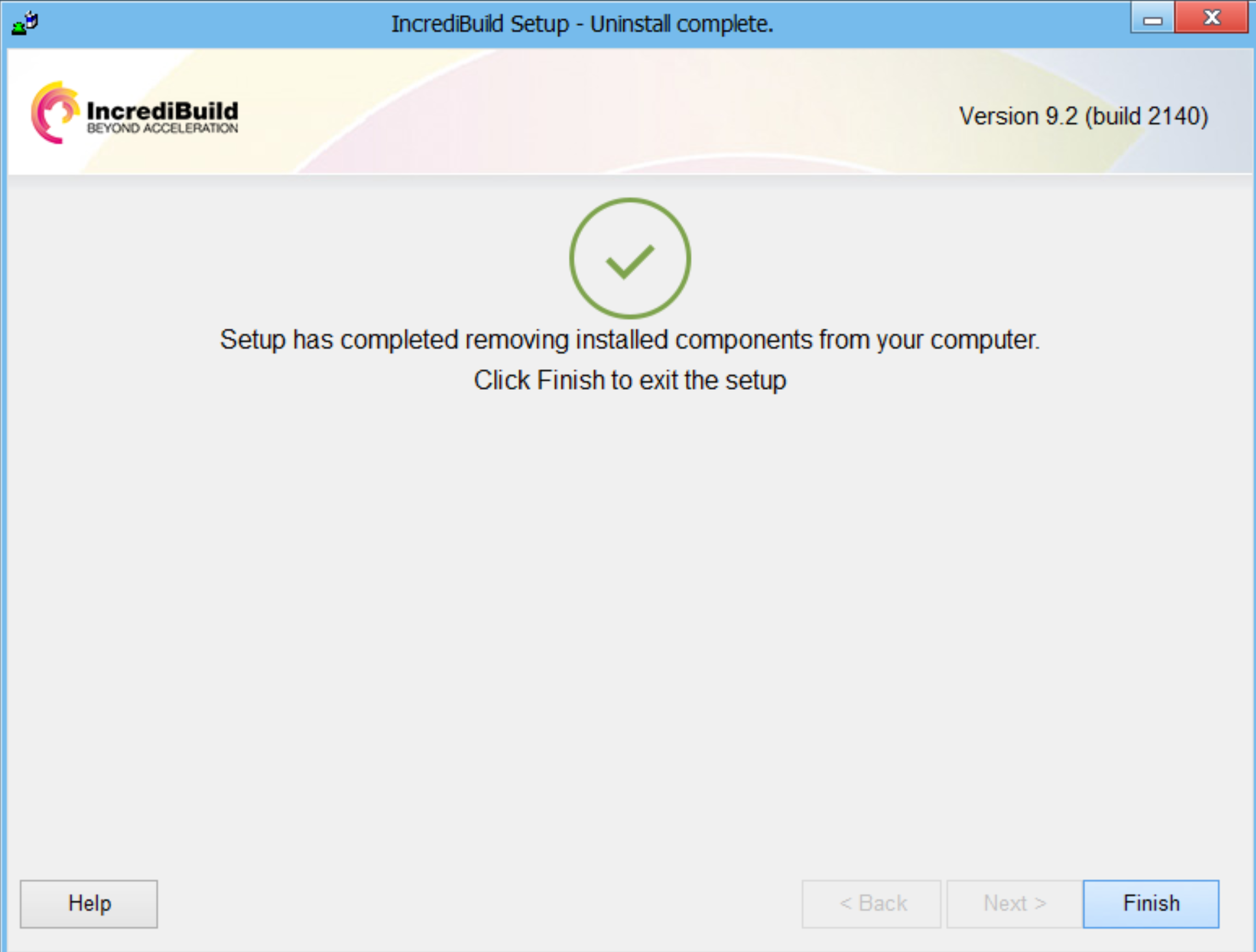
Click Finish to exit.