Generating and Uploading a License
If this is your first Incredibuild license, or if you are using a new Coordinator, you need to generate a PK file and send it to Customer Support. The PK file lets us uniquely identify a particular machine, and is used to generate a license file that can only be used on that machine. You can use the command line options, or continue with this procedure in the user interface.- Go to your Coordinator Manager (https://<IP address of the Coordinator machine>:8000).
-
If you do not have a valid license loaded, you will be asked to generate a license key. Click Generate Key File to download the ib_key.pk file.

- Send the ib_key.pk file to support@incredibuild.com and they will use it to create your license file.
-
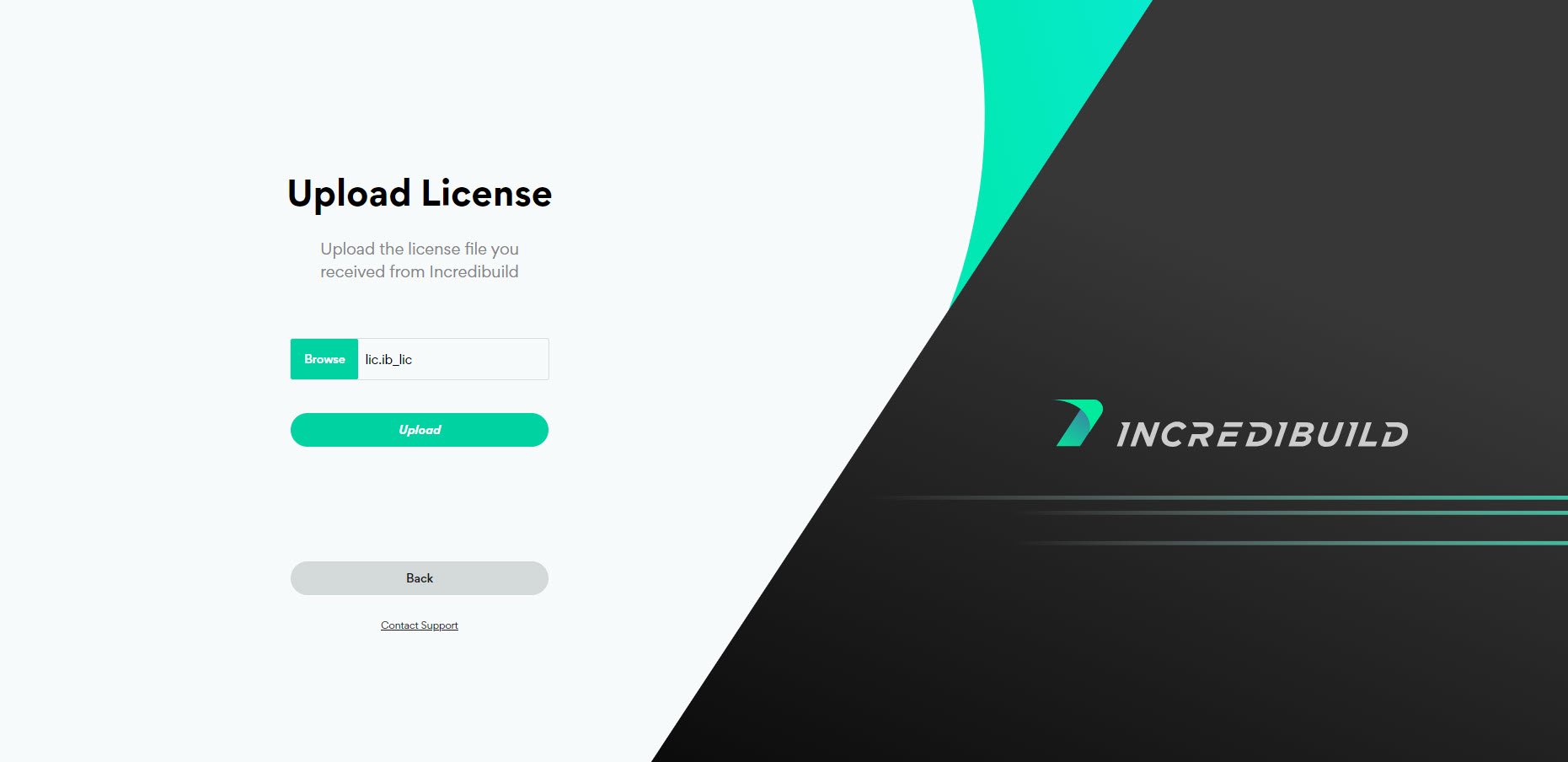
Browse to the license file and click Upload.
Unloading an Incredibuild License
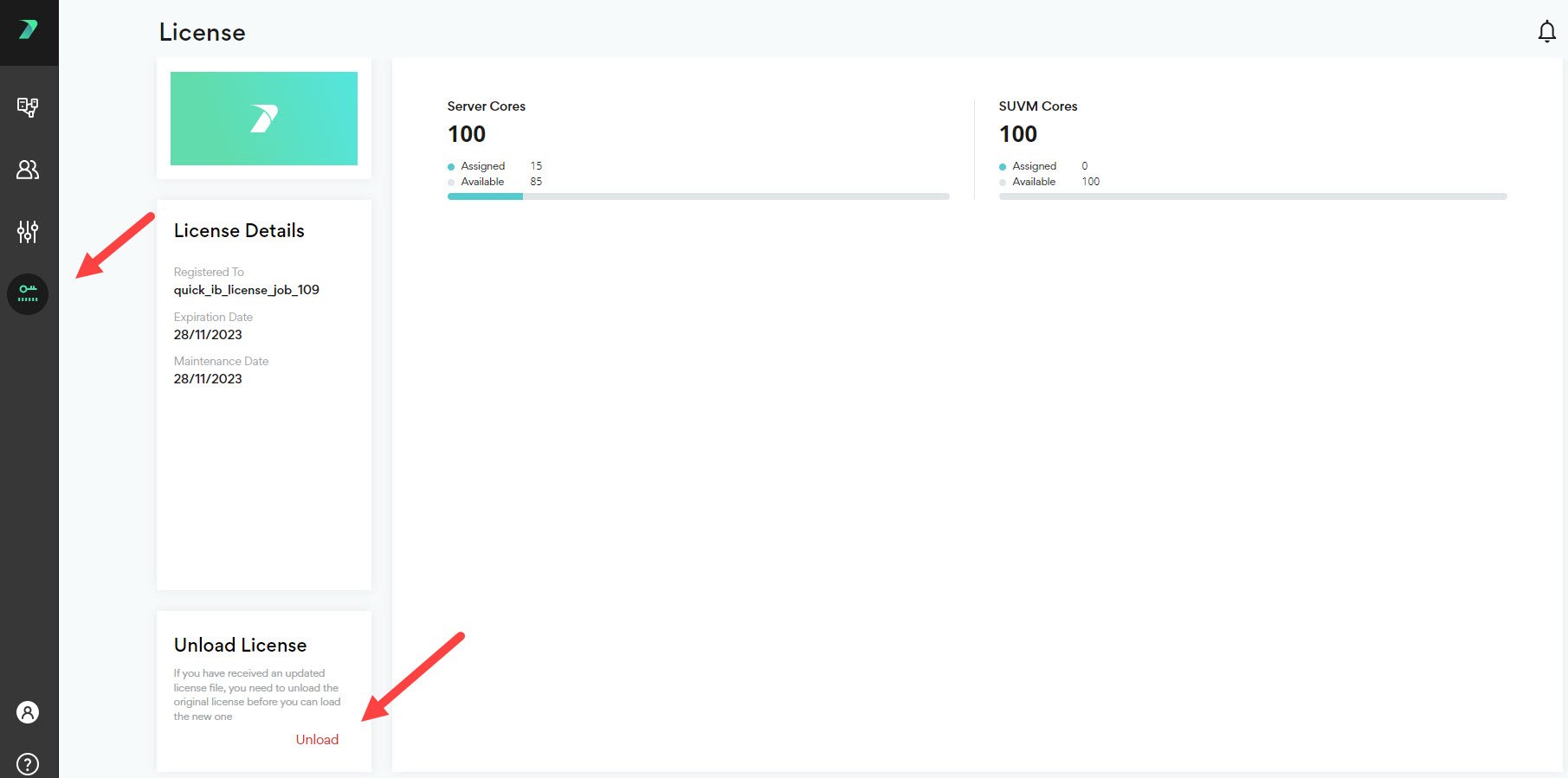
If you have received an updated license file, you need to unload the original license before you can load the new one. You can use the command line options, or continue with this procedure in the user interface. In the Coordinator Manager > License area, click Unload.