Last updated on Nov 05, 2024 You can view the build progress in textual view by clicking the Textual View tab in the Build Monitor tab. The Title bar displays the following information
  • Build ID – The internal ID Incredibuild provided for the build
  • Build command – The executed build command
  • Working directory – The build’s working directory
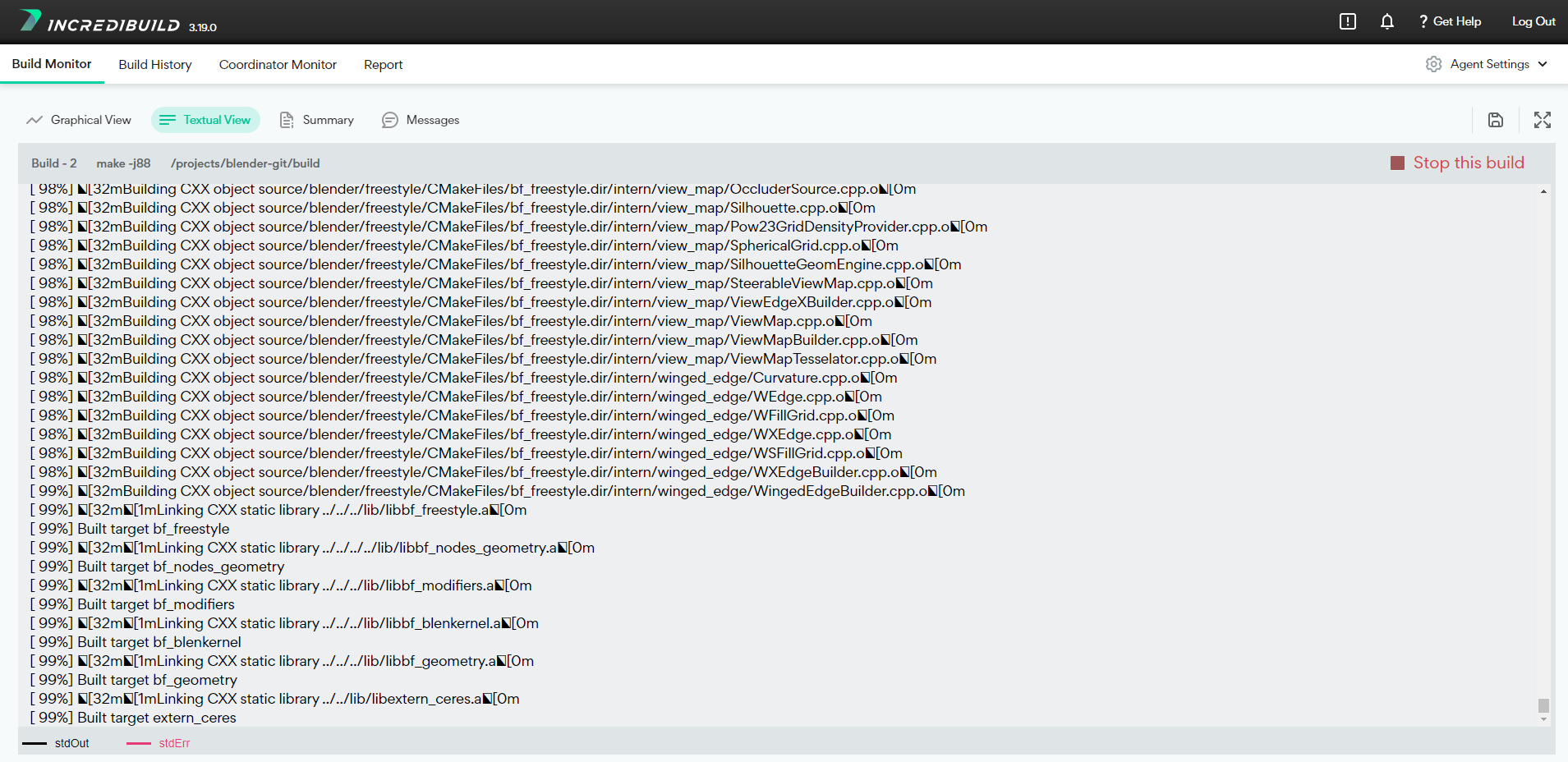
The details area displays the entire content of the build’s output.

Saving the Textual Output of the Build Process

You can save the textual output of the build process to a .txt file by clicking the Save Build button . https://docs.incredibuild.com/Default.htm https://docs.incredibuild.com/lin/latest/Default.htm https://docs.incredibuild.com/win/latest/Default.htm https://docs.incredibuild.com/cloud/Default.htm rLinuxhttps://www.incredibuild.com/4.18