Manually Subscribing / Unsubscribing Standard Agents
The Coordinator automatically allocates the licenses in it’s license file to connected agents based on the number of cores. When an agent has licenses, it is considered subscribed. Only subscribed Agents can initiate and participate in builds. You can also manually unsubscribe, and subscribe individual Agents in the Coordinator Monitor. The allocation is different for Single-Use Virtual Machine Licenses.- Go to Management Console > Coordinator Monitor.
-
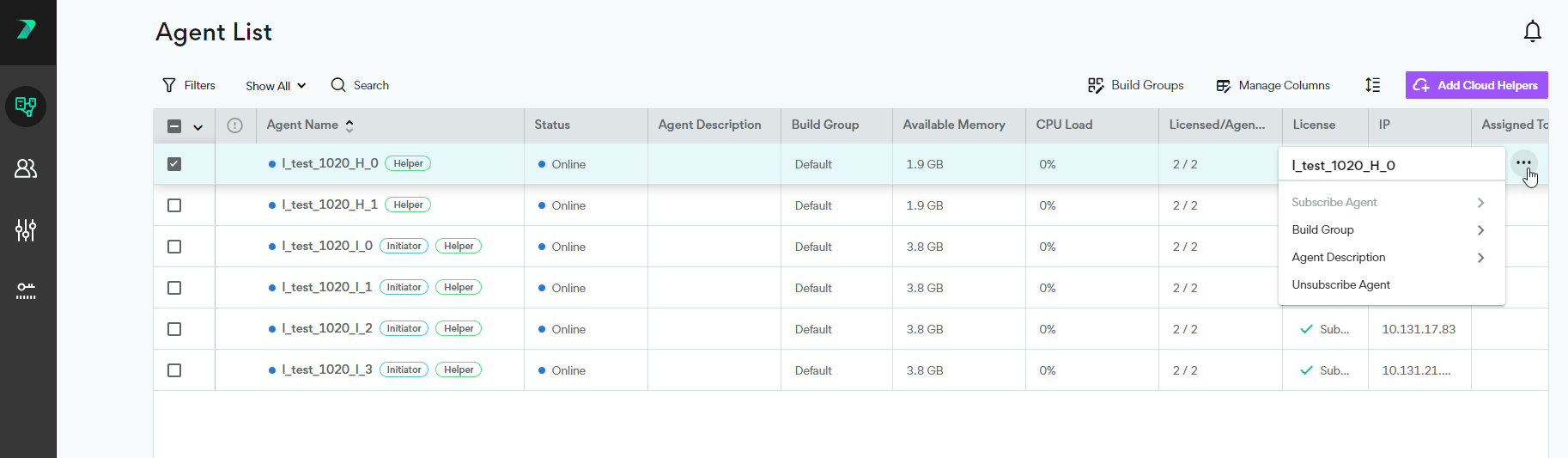
Hover over an Agent and click the three dots on the right.
-
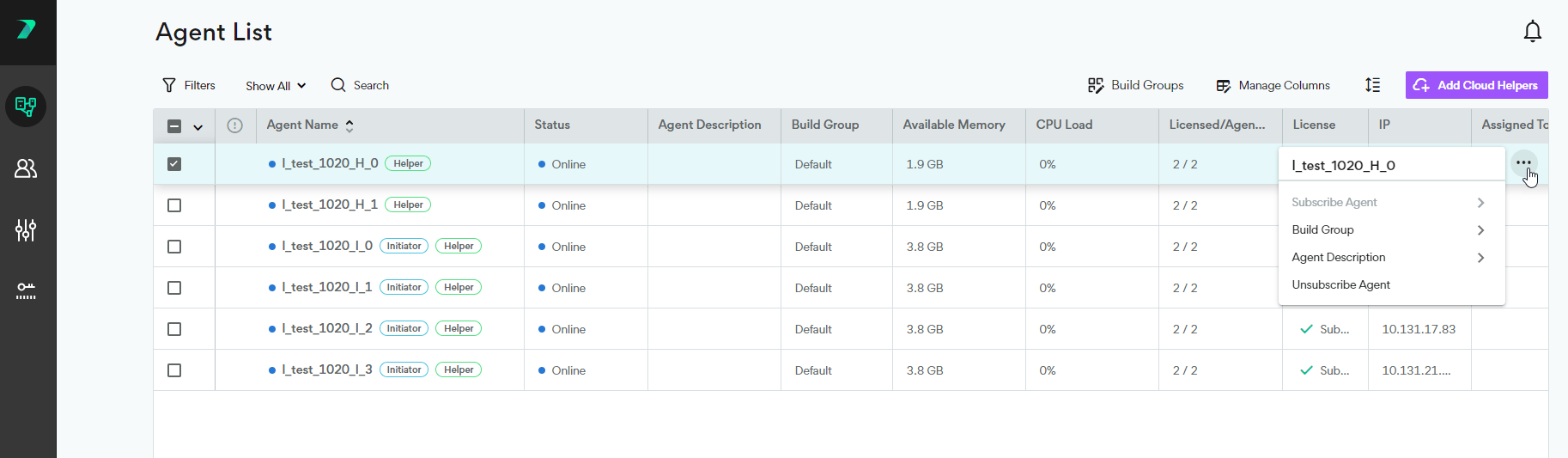
Select Subscribe or Unsubscribe.
-
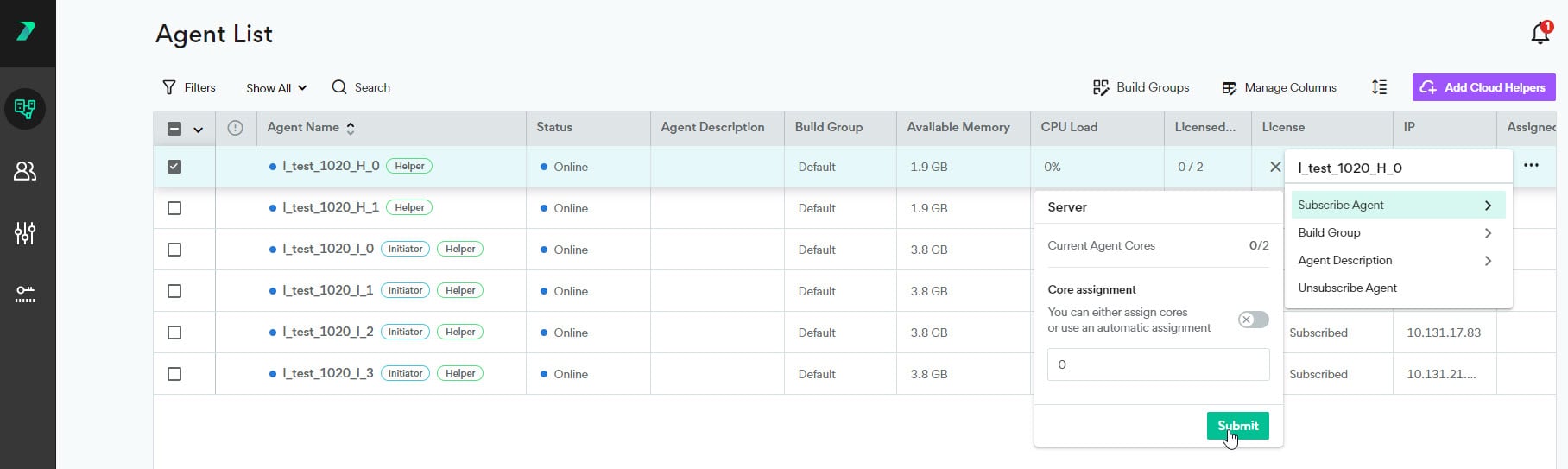
When subscribing, you also need to select the number of cores to assign to the Agent. You can manually type the number, or use the automatic assignment every core with a license, if enough licenses are available.