

-
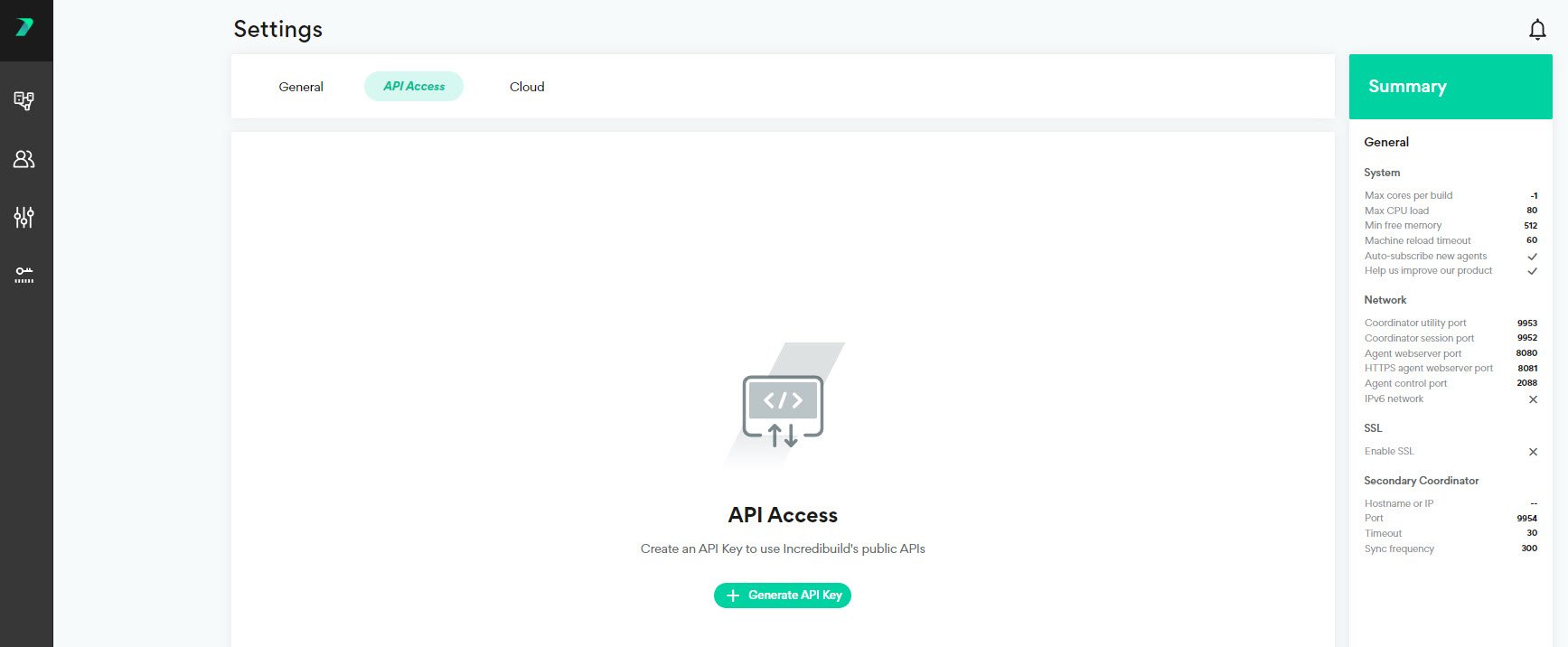
In the Coordinator Manager, go to Settings > API Access and click Generate API Key.
-
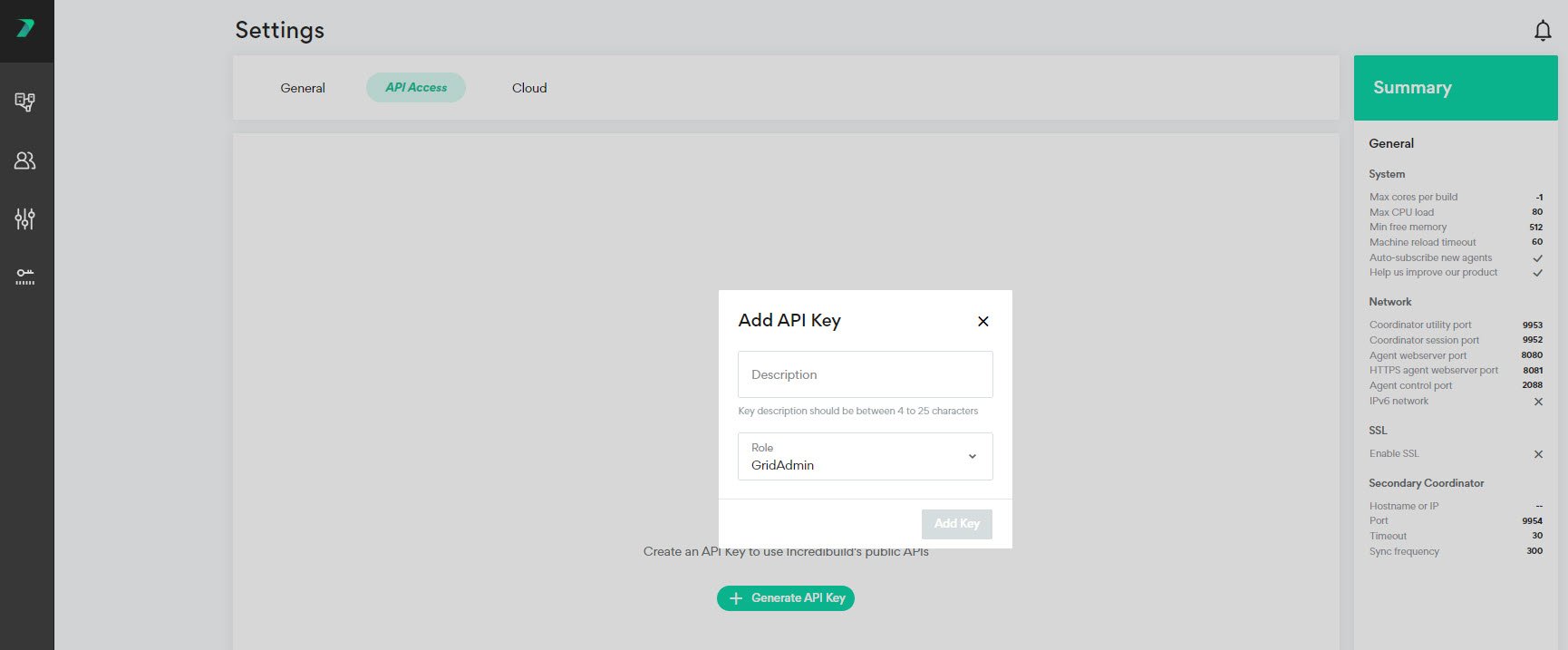
Enter a description to identify the API Key and specify the type of users who are allowed to use this key. Click Add Key.
-
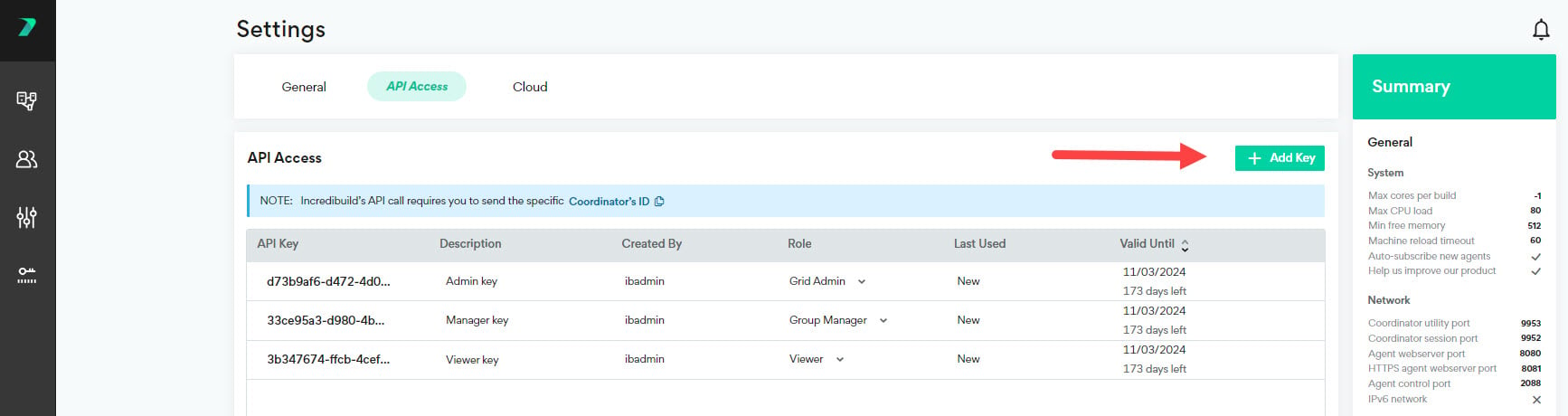
You can add additional API Keys by clicking Add Key.
-
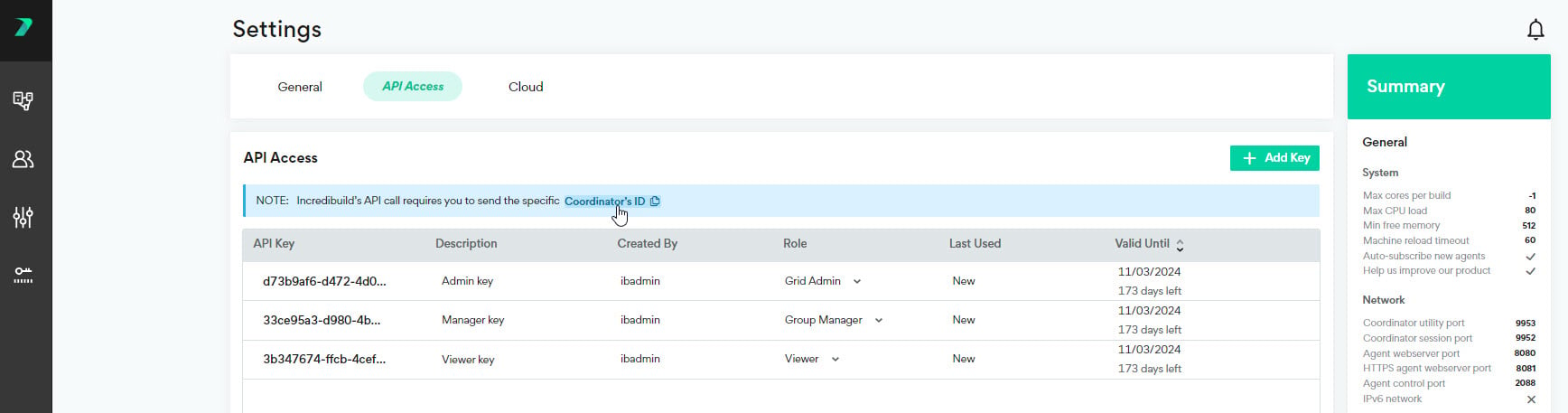
You can copy your Coordinator’s ID to the clipboard to help you create API’s.
-
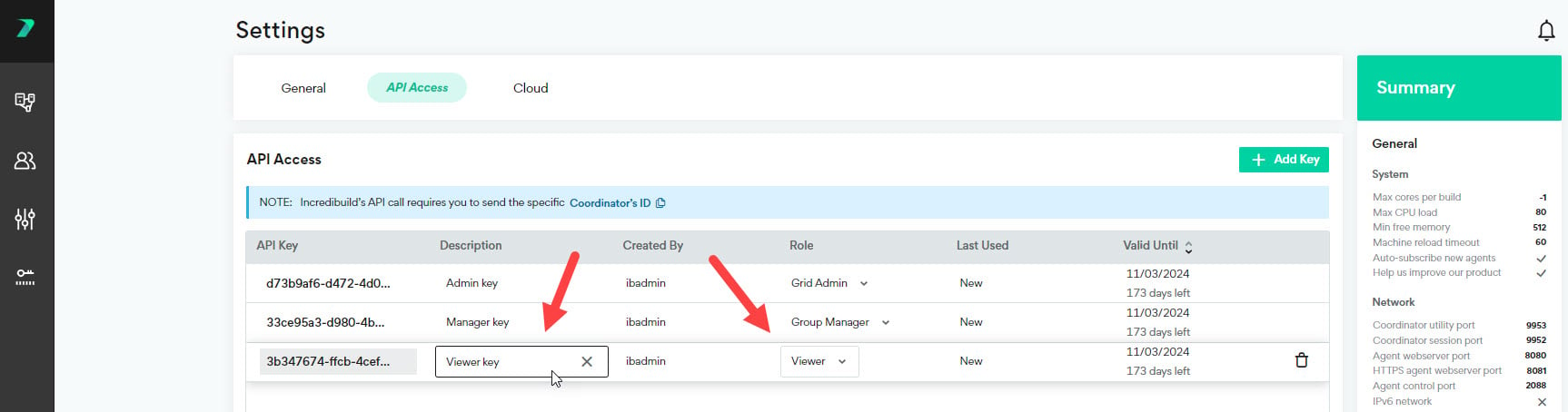
You can edit an API Key by clicking the values in the columns and changing them.
-
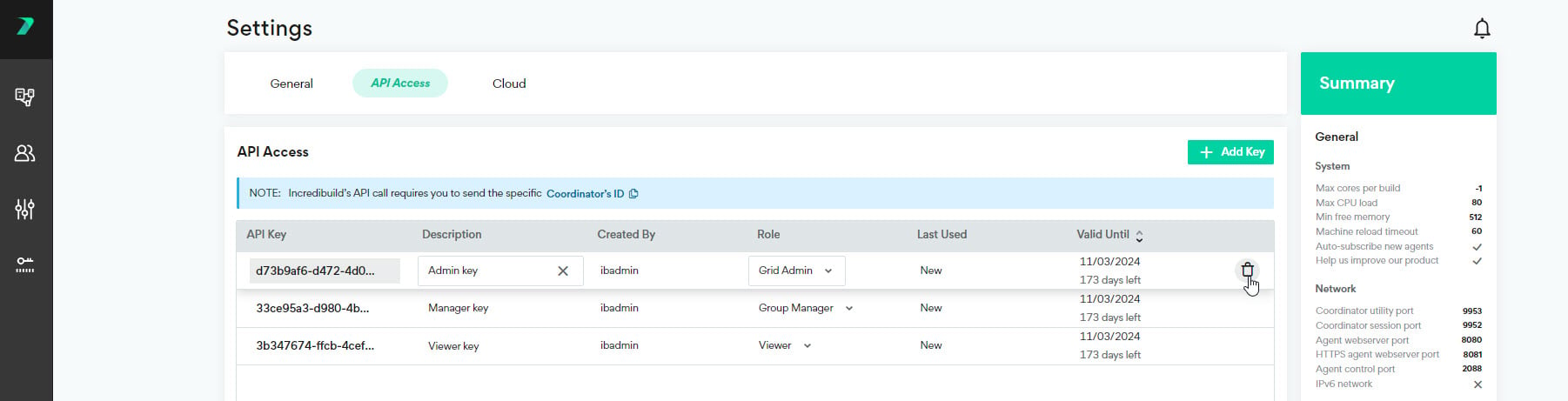
You can delete an API Key by clicking the trash icon.
Monitoring
API Keys
Last updated on Nov 05, 2024
To enhance security for our API calls, you need to use a custom API key in every API call.