

Automatically Subscribe New Agents
When new Helper Agents are installed, you can determine if they are automatically assigned a license (“subscribed”). You control this setting in the Coordinator Manager > Settings > General tab with the auto-subscribe new agents checkbox. Modifying the setting does not affect Agents that are already installed.Viewing your License Details
You can view all of your license details in the Coordinator Manager > License page.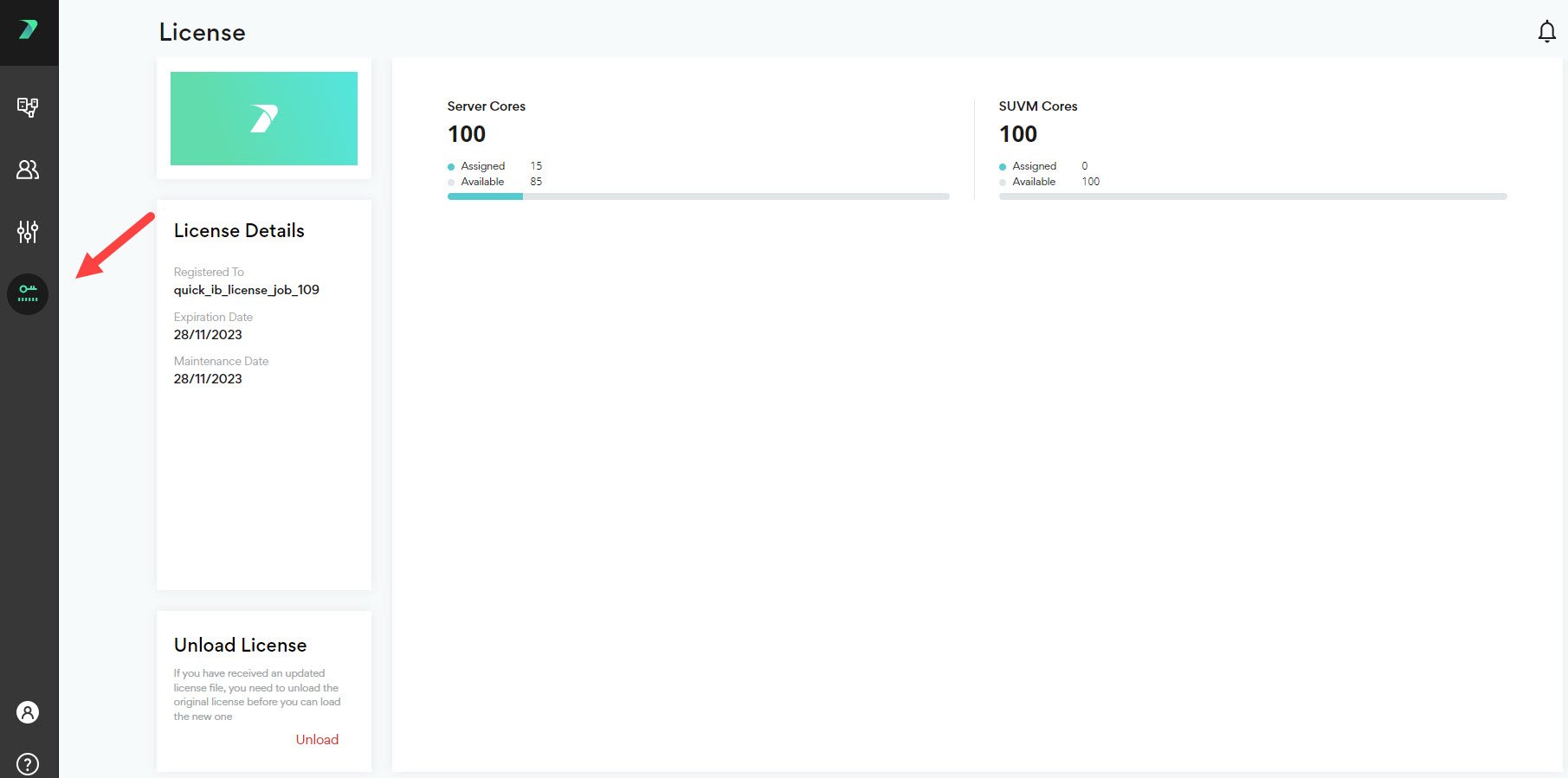
View Subscription Status in Command Line
If you are working in the command line, you can see whether an Agent is subscribed by using the--check-license flag. For more details, see Executing Builds.