Last updated on Apr 02, 2024 The licensing model is based on the number of CPU cores you want to use for accelerating your builds. All the licenses you purchase are contained your license key. The Coordinator automatically allocates licenses to the connected machines in the Incredibuild environment. The licenses are allocated (or “subscribed”) according to the number of cores each Agent machine has. Licenses are allocated and registered permanently to a specific machine for an ongoing use. They can be deallocated from a machine and return to the license pool if they are manually unsubscribed from a machine. Note: Incredibuild considers each logical hyper-threaded core as a CPU core when allocating licenses.

Automatically Subscribe New Agents

When new Helper Agents are installed, you can determine if they are automatically assigned a license (“subscribed”). You control this setting in the Coordinator Manager > Settings > General tab with the auto-subscribe new agents checkbox. Modifying the setting does not affect Agents that are already installed.

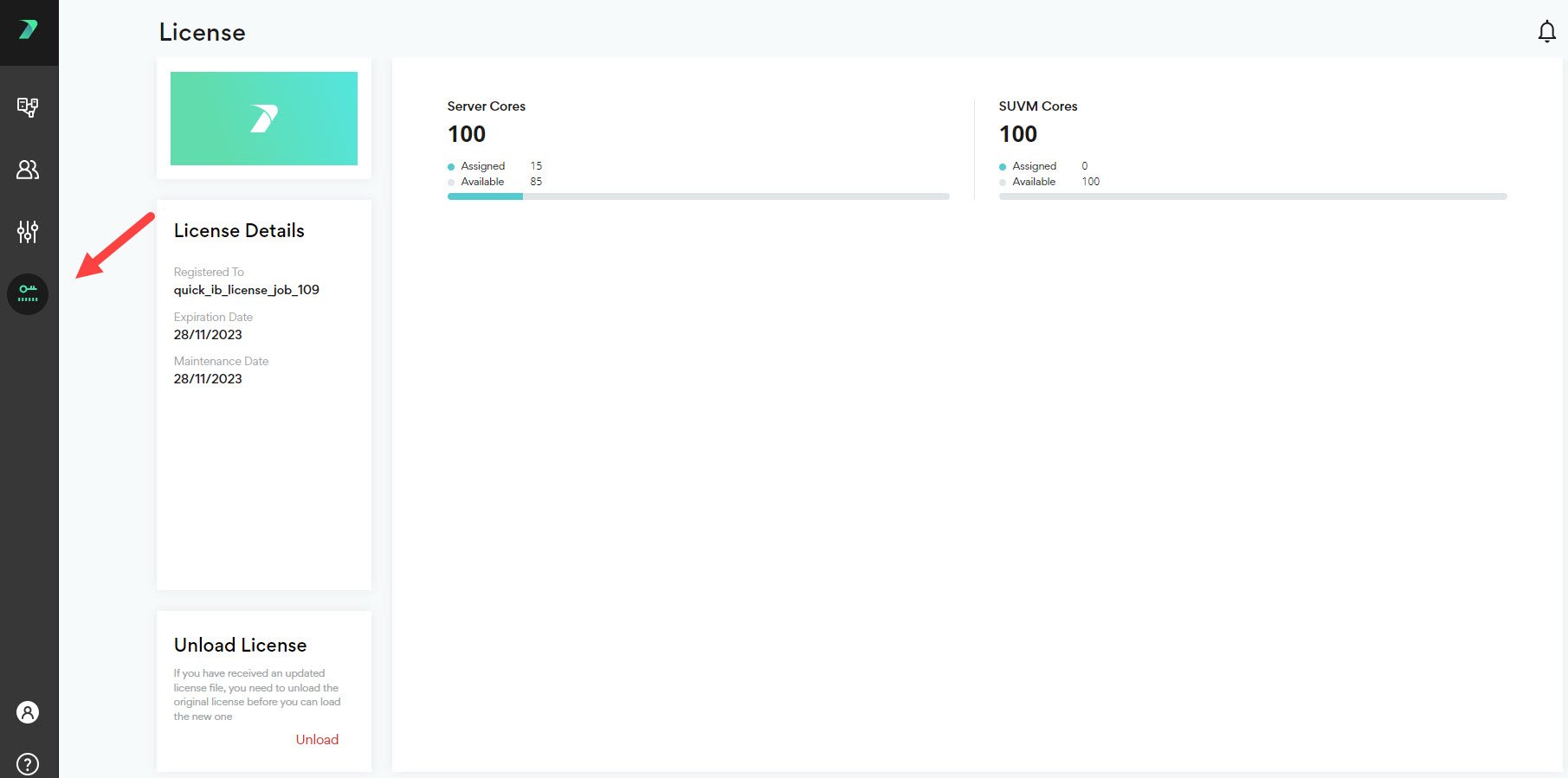
Viewing your License Details

You can view all of your license details in the Coordinator Manager > License page.
View Subscription Status in Command Line

If you are working in the command line, you can see whether an Agent is subscribed by using the --check-license flag. For more details, see Executing Builds.