Offline Licenses
While Incredibuild licenses are generally designed to for environments that are connected to the internet, you can still install and use Incredibuild in an environment that is self-contained and not connected to the internet.
A few steps still require an internet connection, and these have been marked in the following procedures.
Activating an Offline License
-
Contact your Customer Success Manager to get the ibsetup file.
-
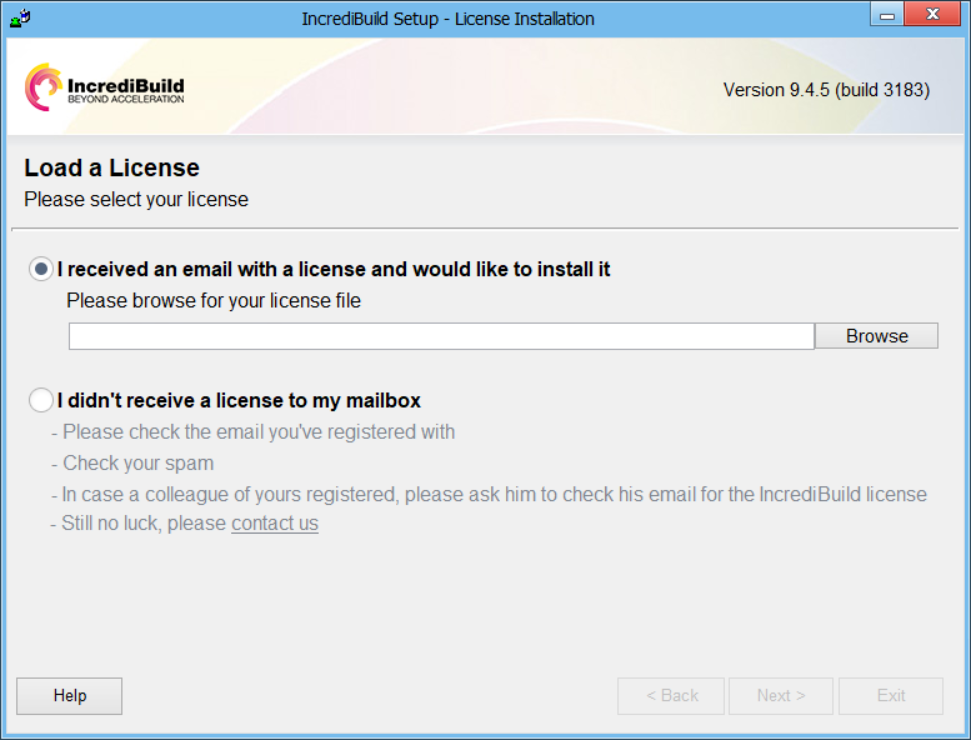
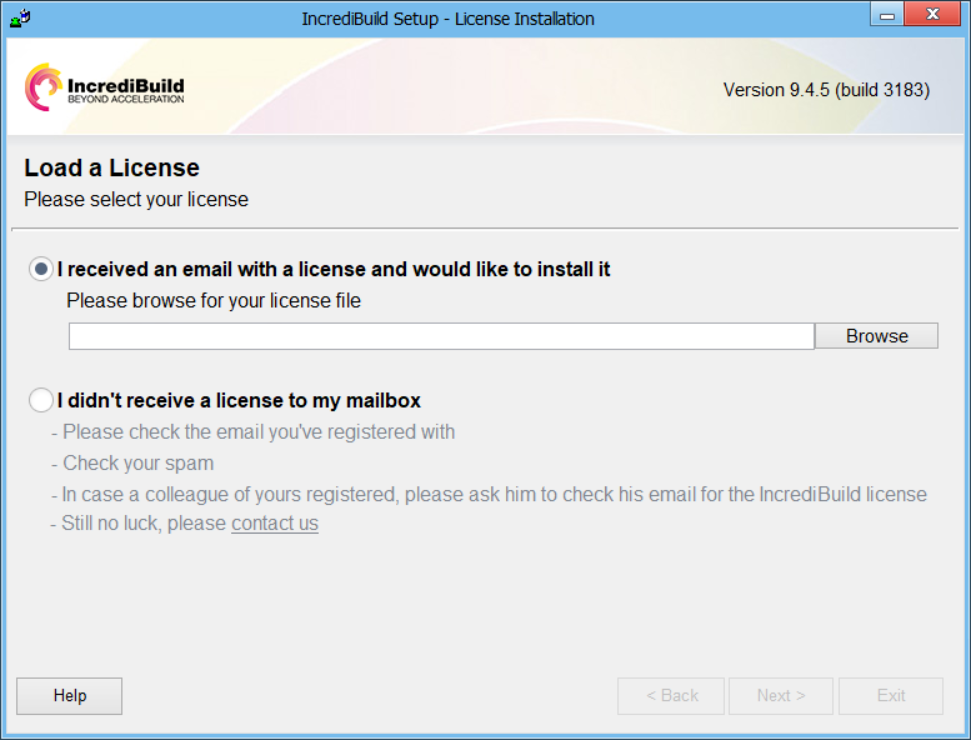
Run the ibset file to install Incredibuild on the first machine. For details about the installation process, see Standard Installation. At the end of the wizard, where a license is requested, select I didn’t receive a license.
-
Open the command line as an administrator and run the following:
MachineID
This returns your machine's ID.
-
Send this ID to your Customer Success Manager. They will process it and send you back a license file.
-
Load the license file to the Coordinator as described in Activating your License.
Your Coordinator is now activated with an offline license.
-
To install additional Agents, run the ibsetup file and connect it to the Coordinator machine.
Updating an Offline License
If you renew an offline license, your Customer Success Manager will send a new license file. You can load the file as described in Activating your License.
Removing an Offline License
To remove an offline license, you unload it from the Coordinator Settings as described in Activating your License.