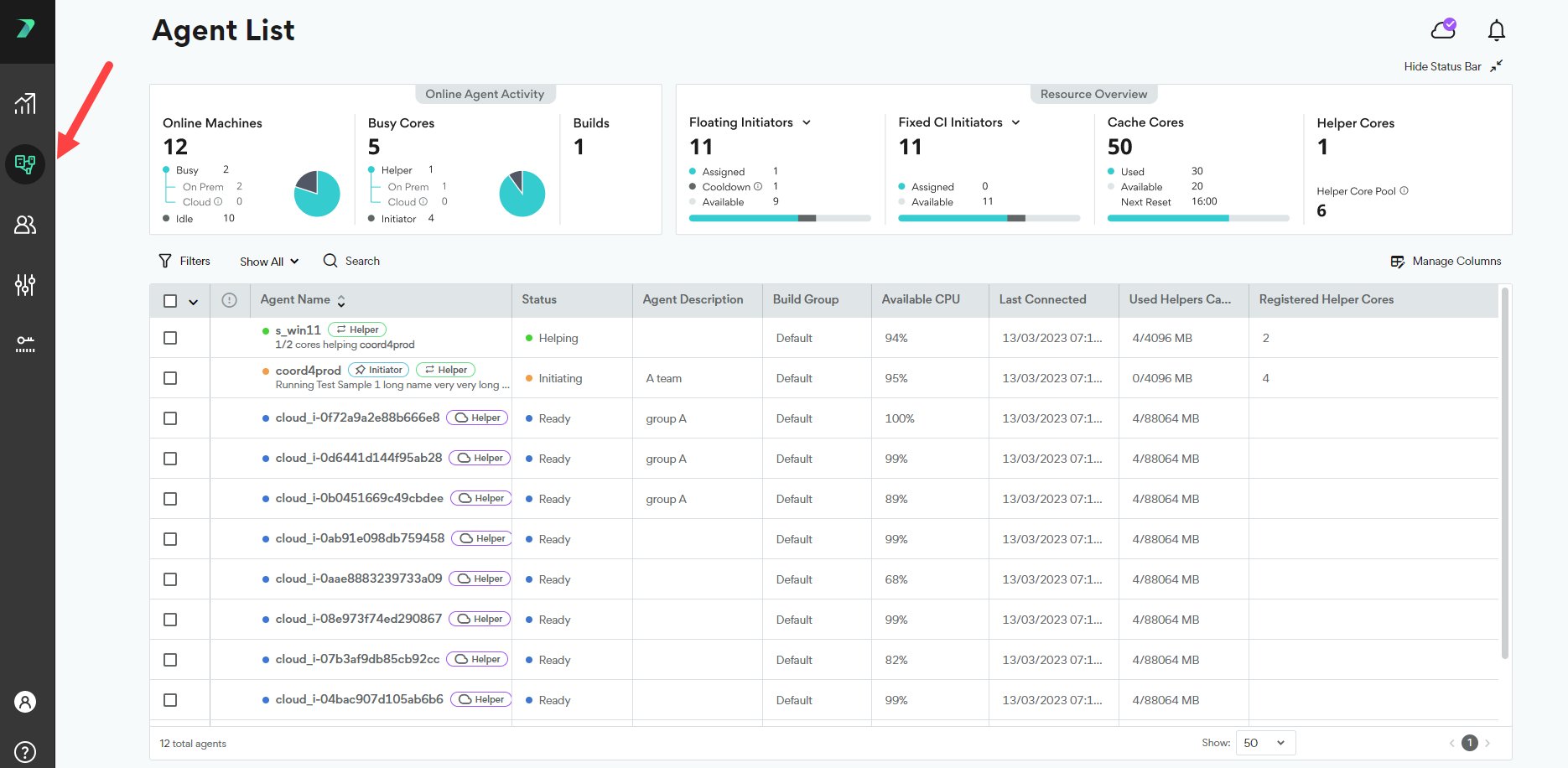
Resource Overview
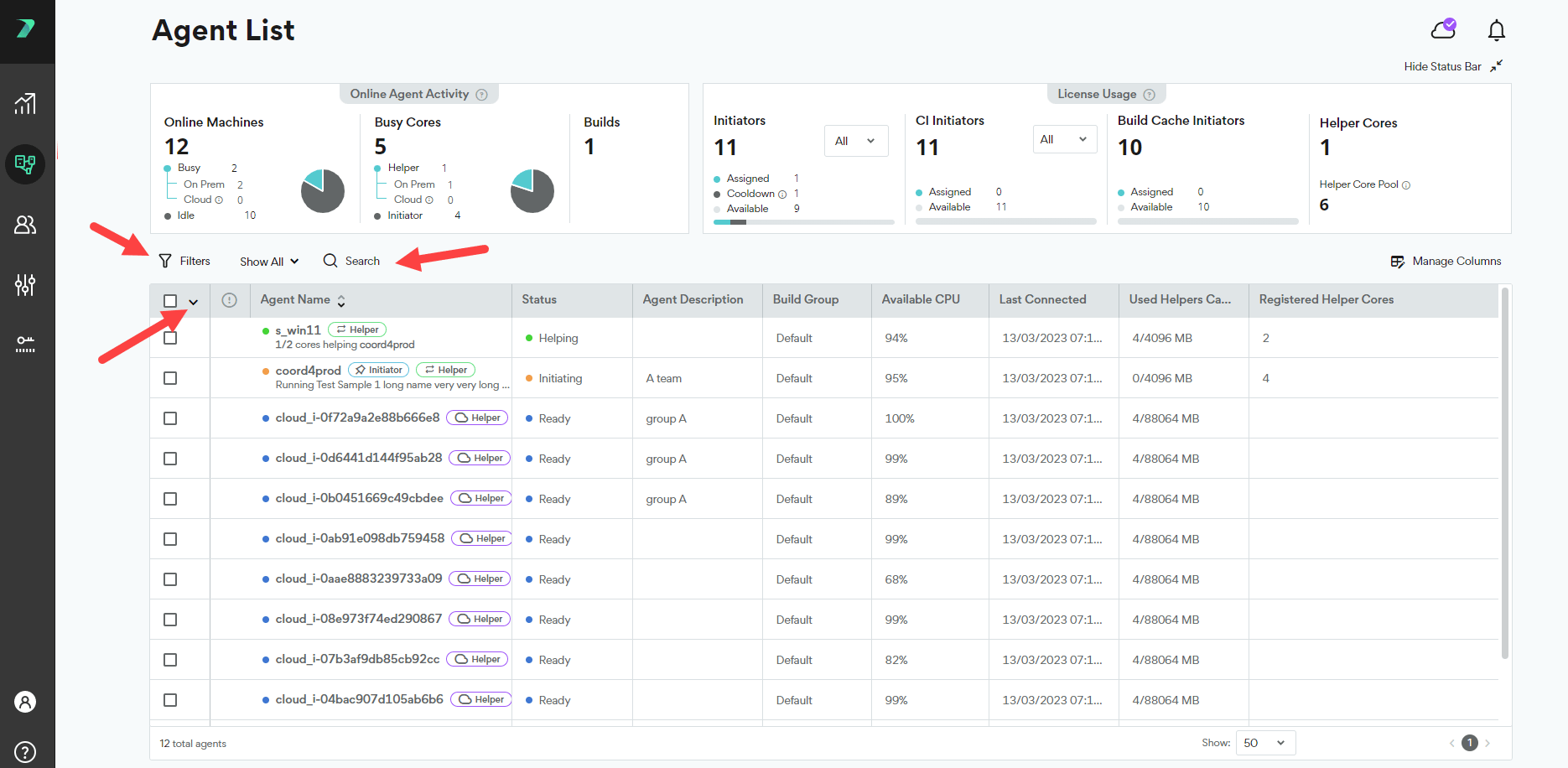
View how many resources are currently assigned, waiting to be assigned (available), or cooling down. Each fixed initiator license can only be allocated once per 24 hours. After each allocation, the license is considered cooling down for 24 hours.
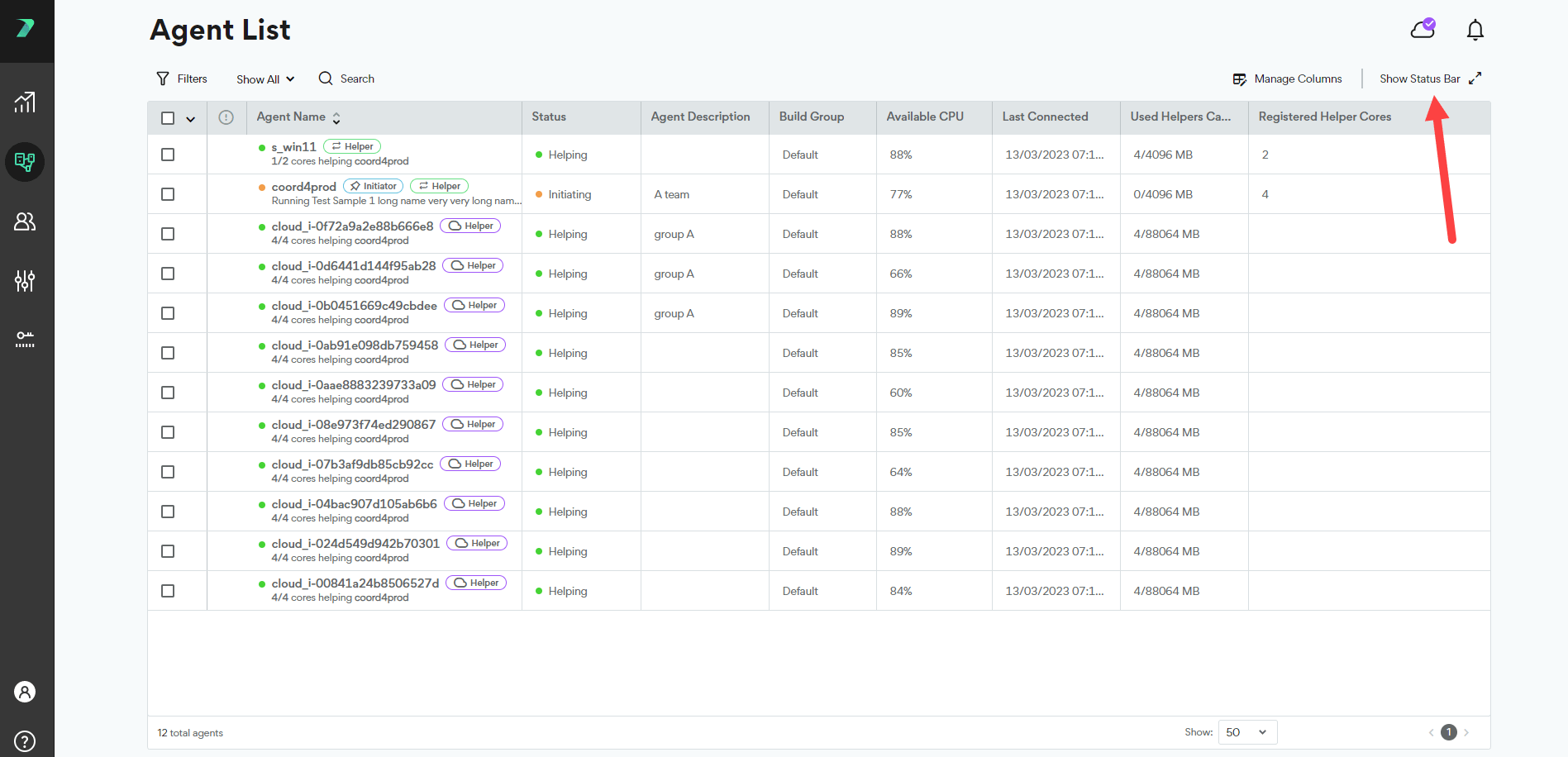
Online Agent Activity
Get a high-level picture of your online Agents:- How many Agent machines are currently online
- How many Helper Cores (including Cloud) and Initiator Cores are currently involved in a build
- How many builds are currently running with Incredibuild.
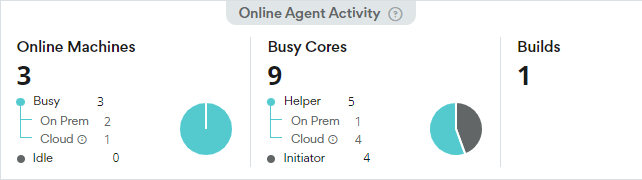
View Agent Details and Status
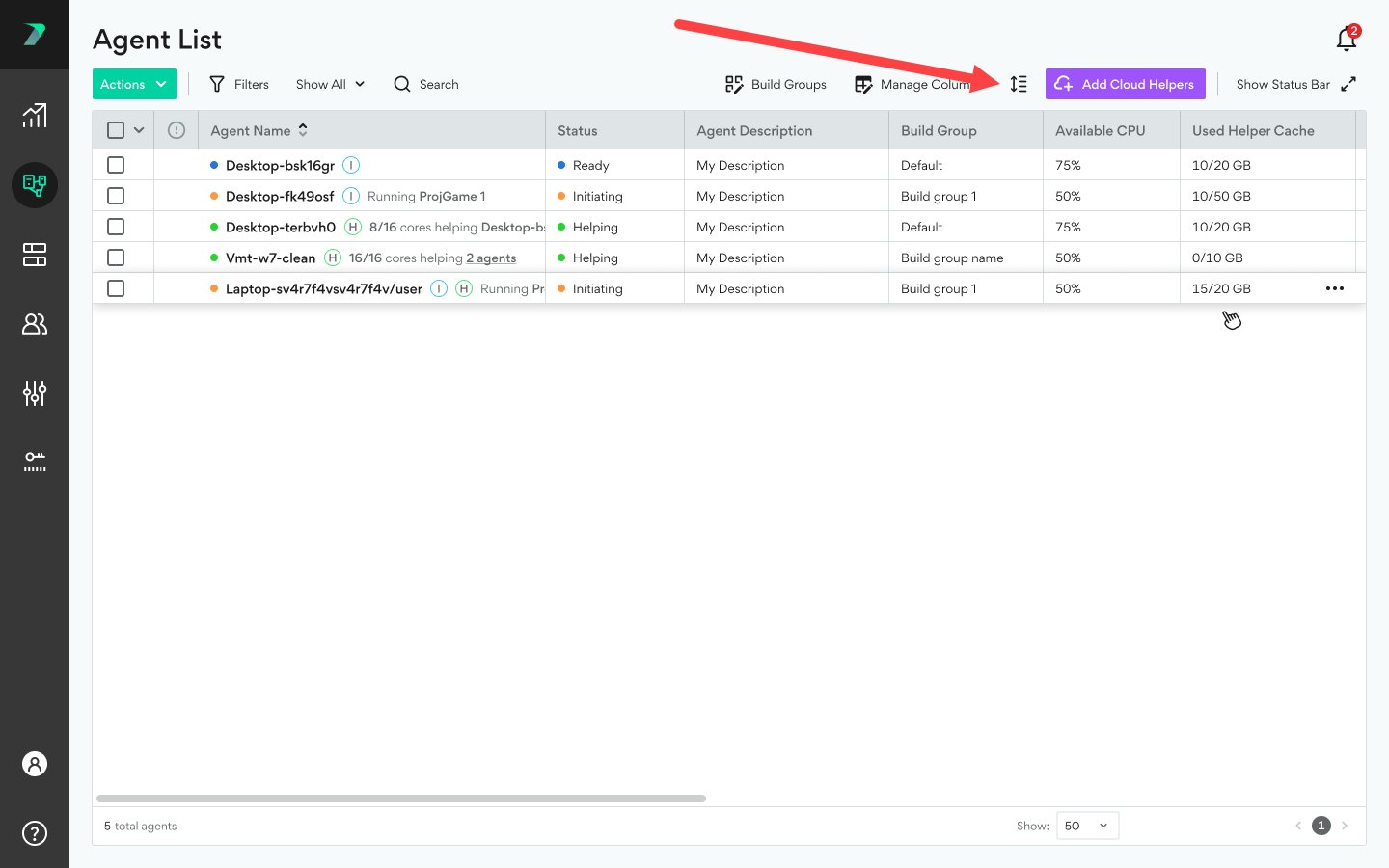
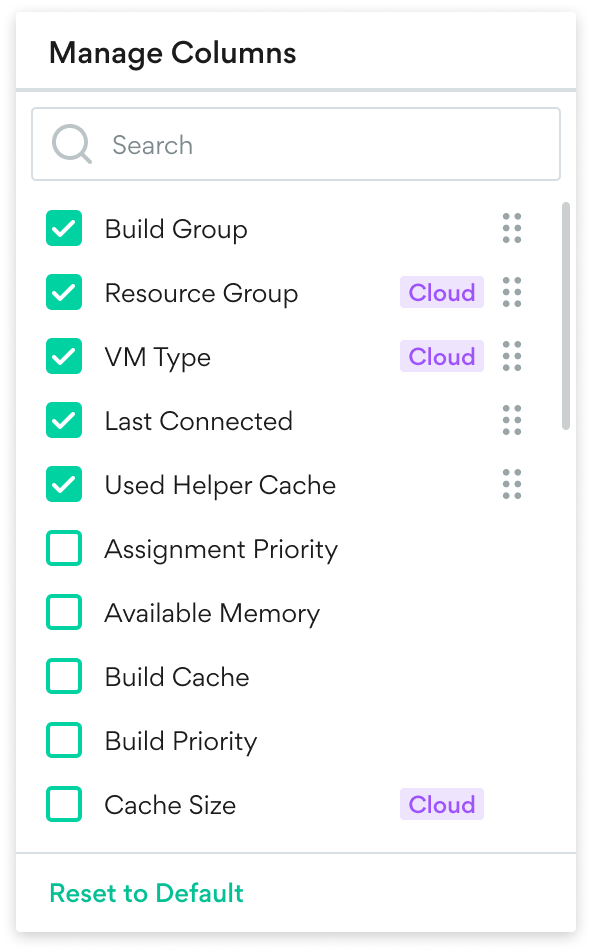
The agent list shows you information about each Agent such as it’s status, available CPU, and description. Click Manage Columns to add or remove columns from the list. Some columns are only available when Cloud is enabled.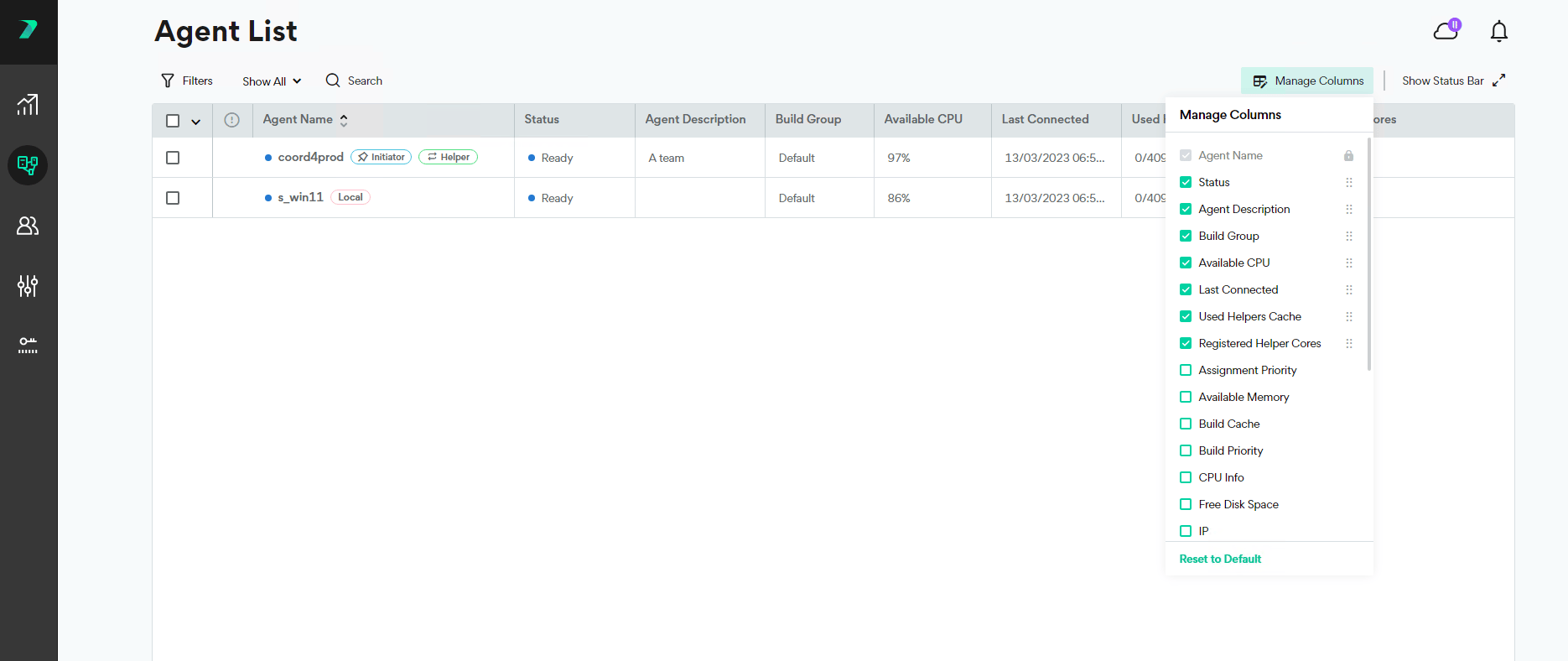


Filter the Agent List
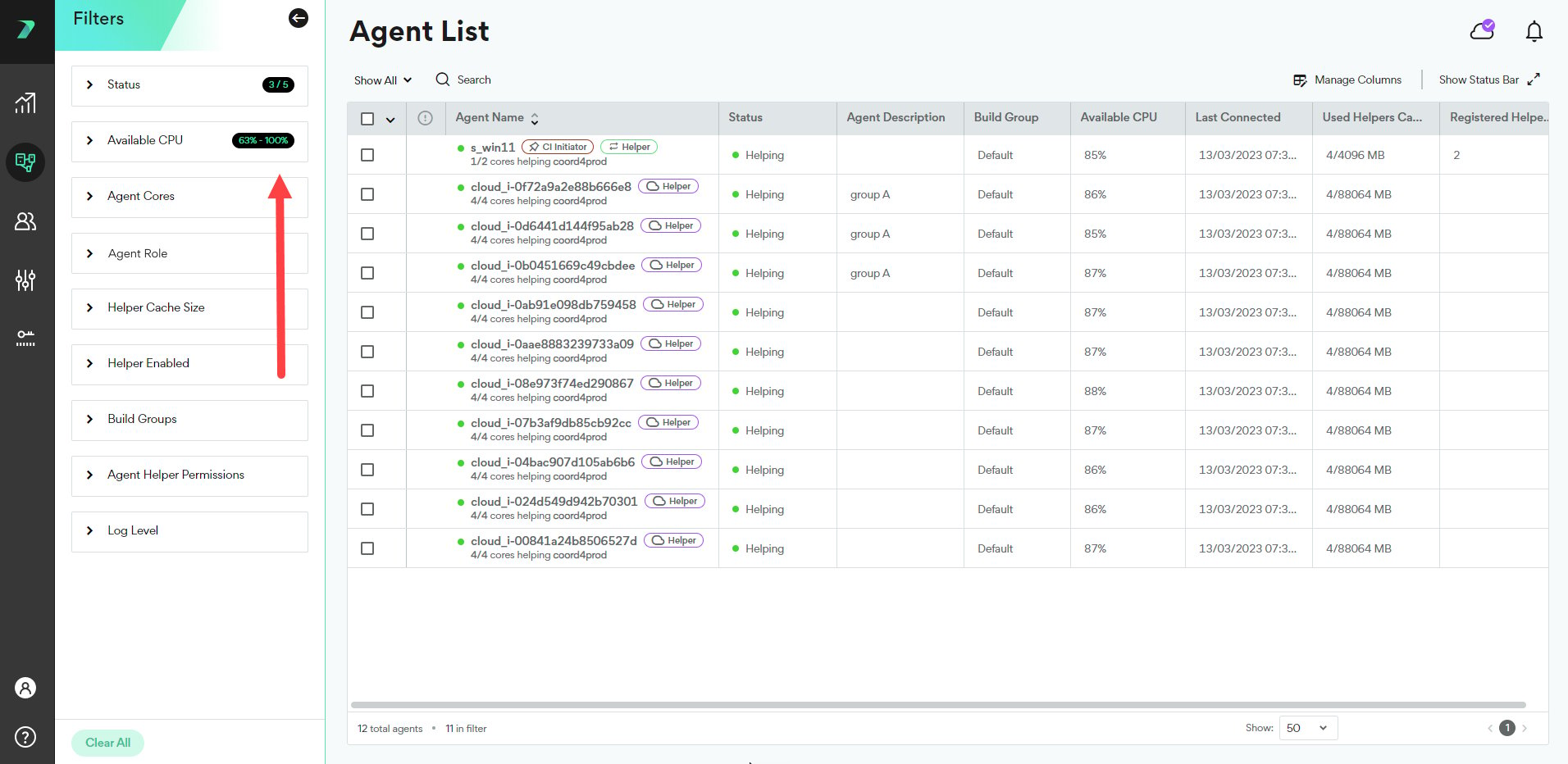
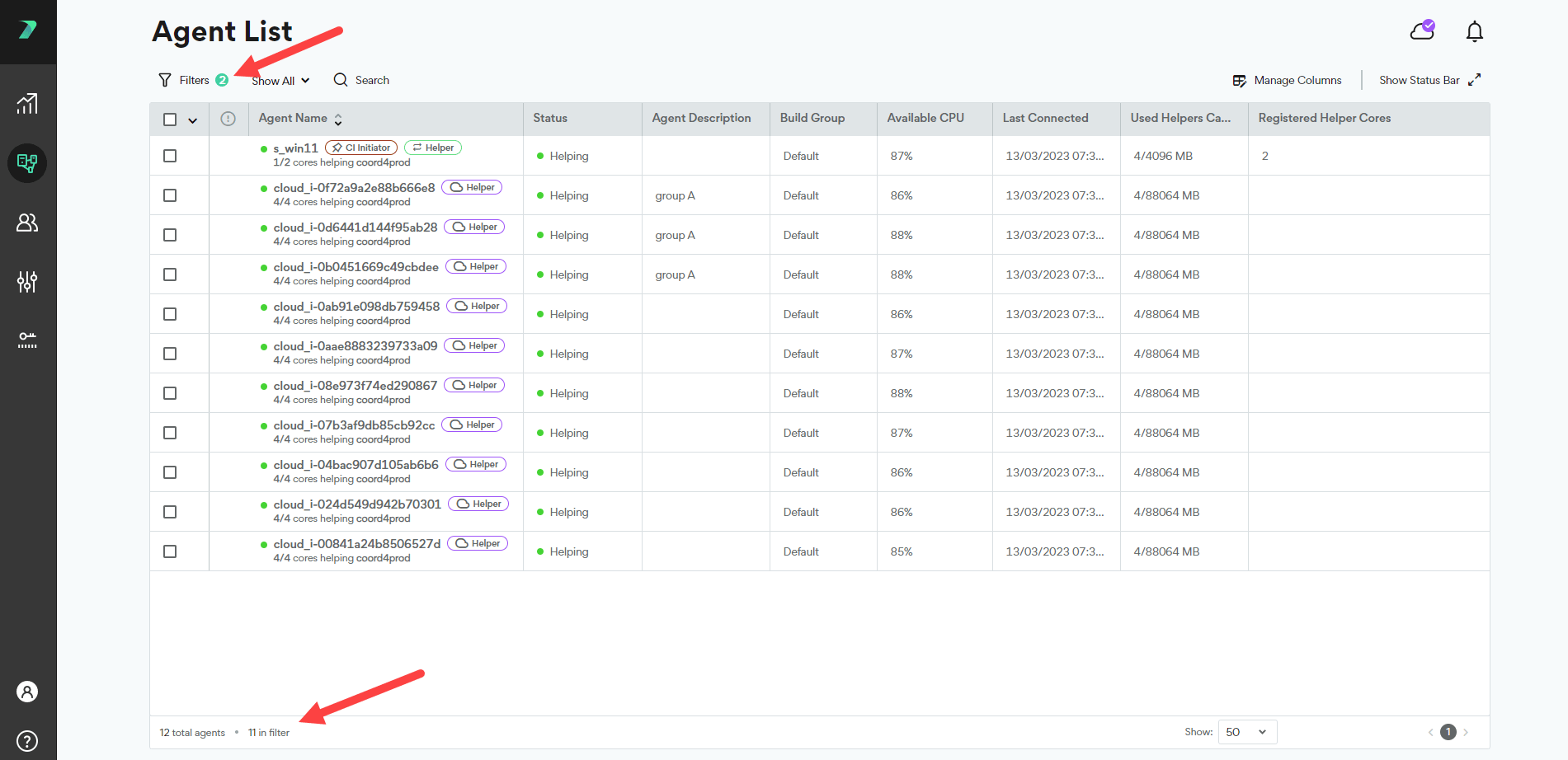
You can filter the agent list by typing in the search bar, using the quick filter drop-down, or using the filter button. The search bar scans the following attributes: Agent Name, Build Group, IP, routing IP, Mac Address, current build title, and logged on user.