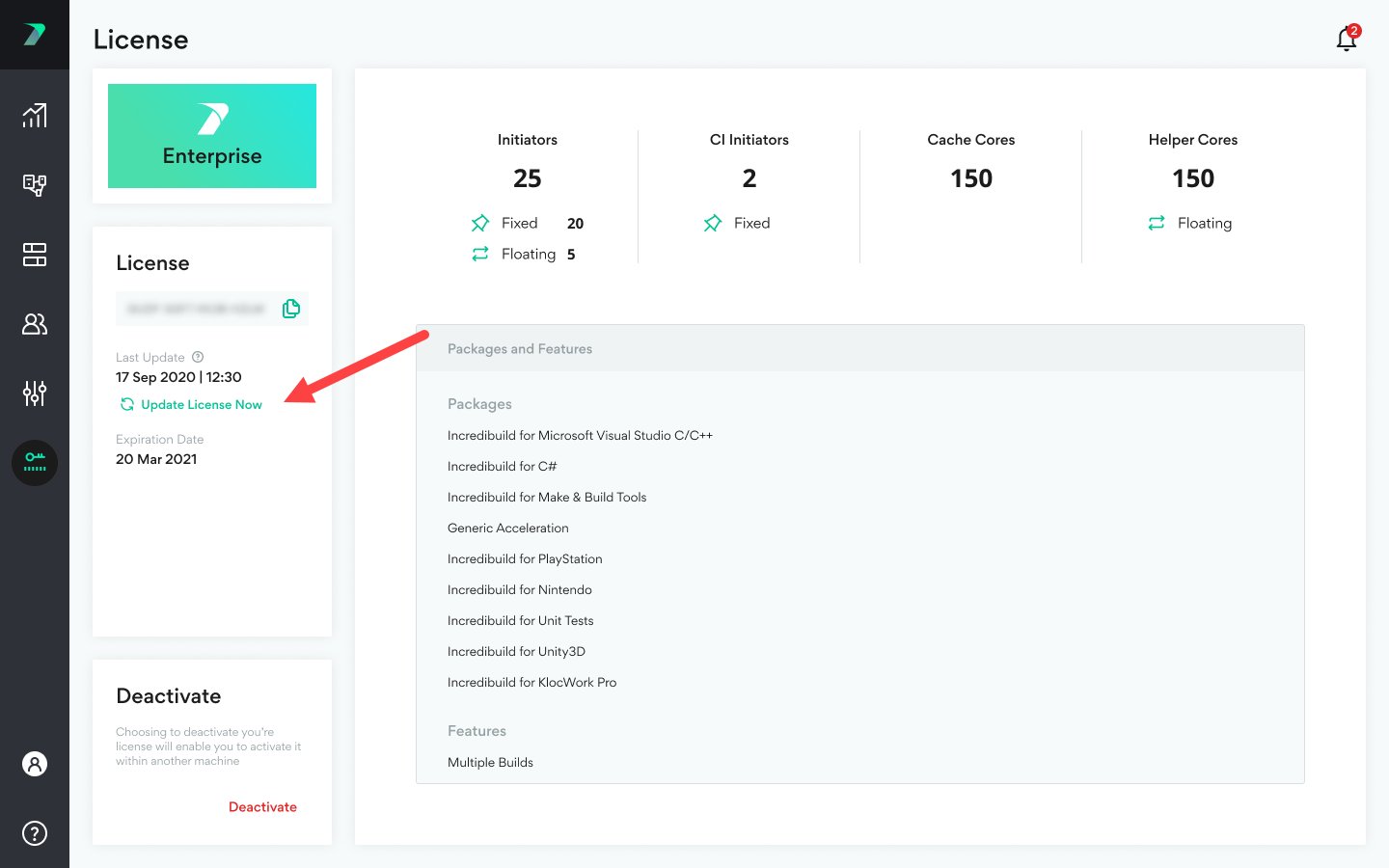
Viewing your License Details
You can view your license package details in the Coordinator > License area.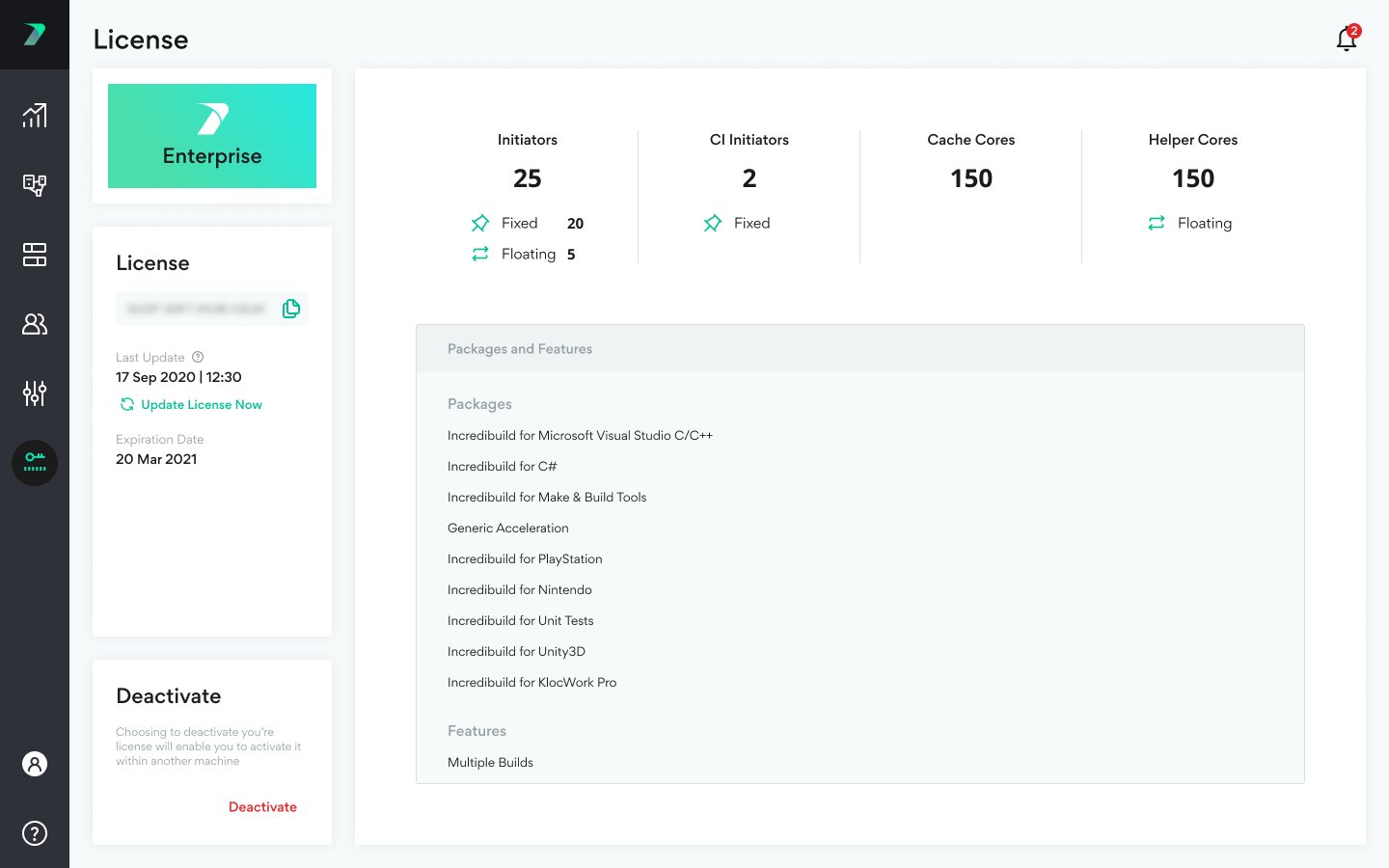

Assigning Roles to Agents
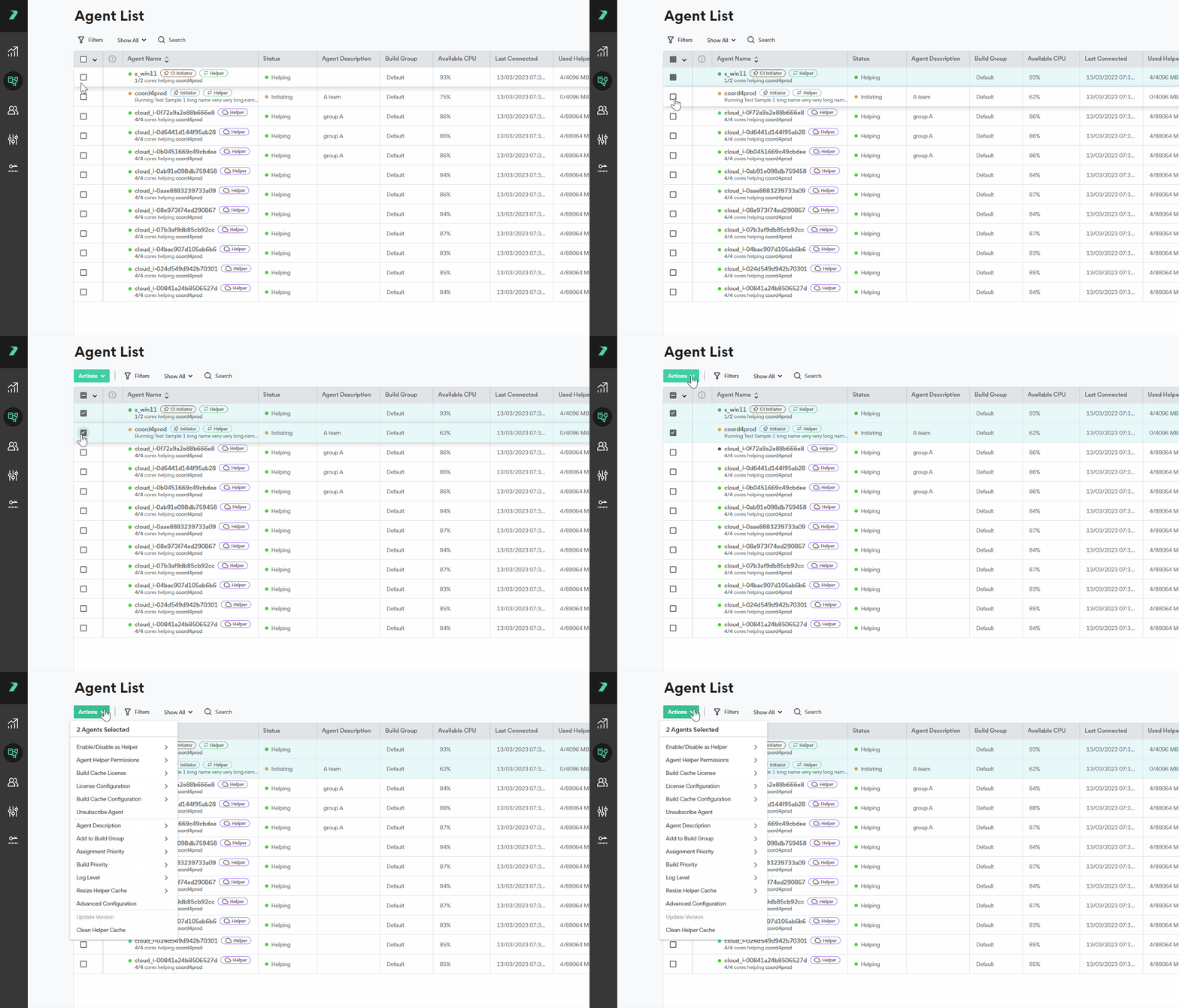
By default, each newly added agent receives the role of helper. This behavior can be adjusted in the Coordinator Settings > Agents area. You can manually change the role of an individual agent, or a group of agents by going to the menu and selecting Set Initiator Role or Set Helper Role: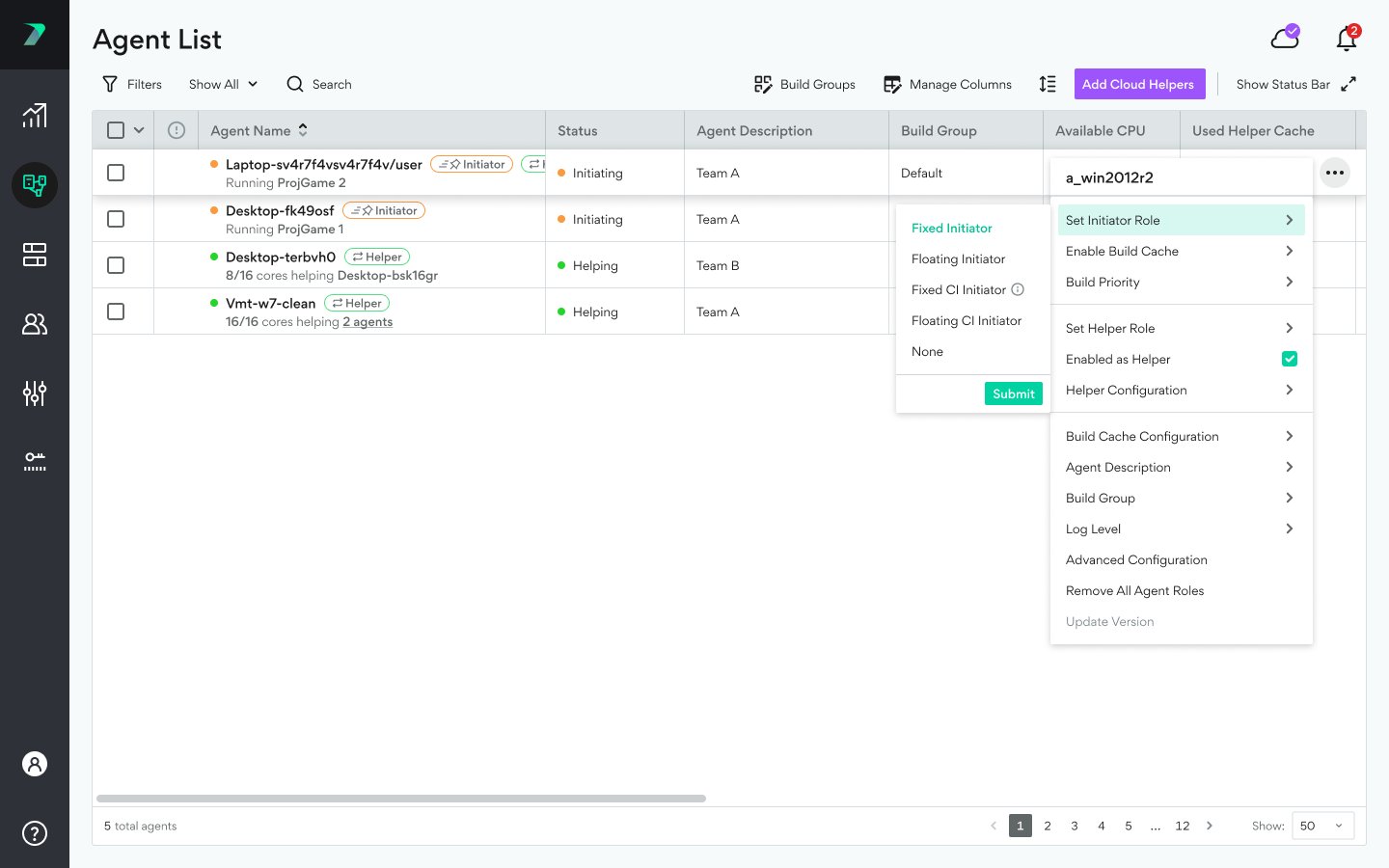
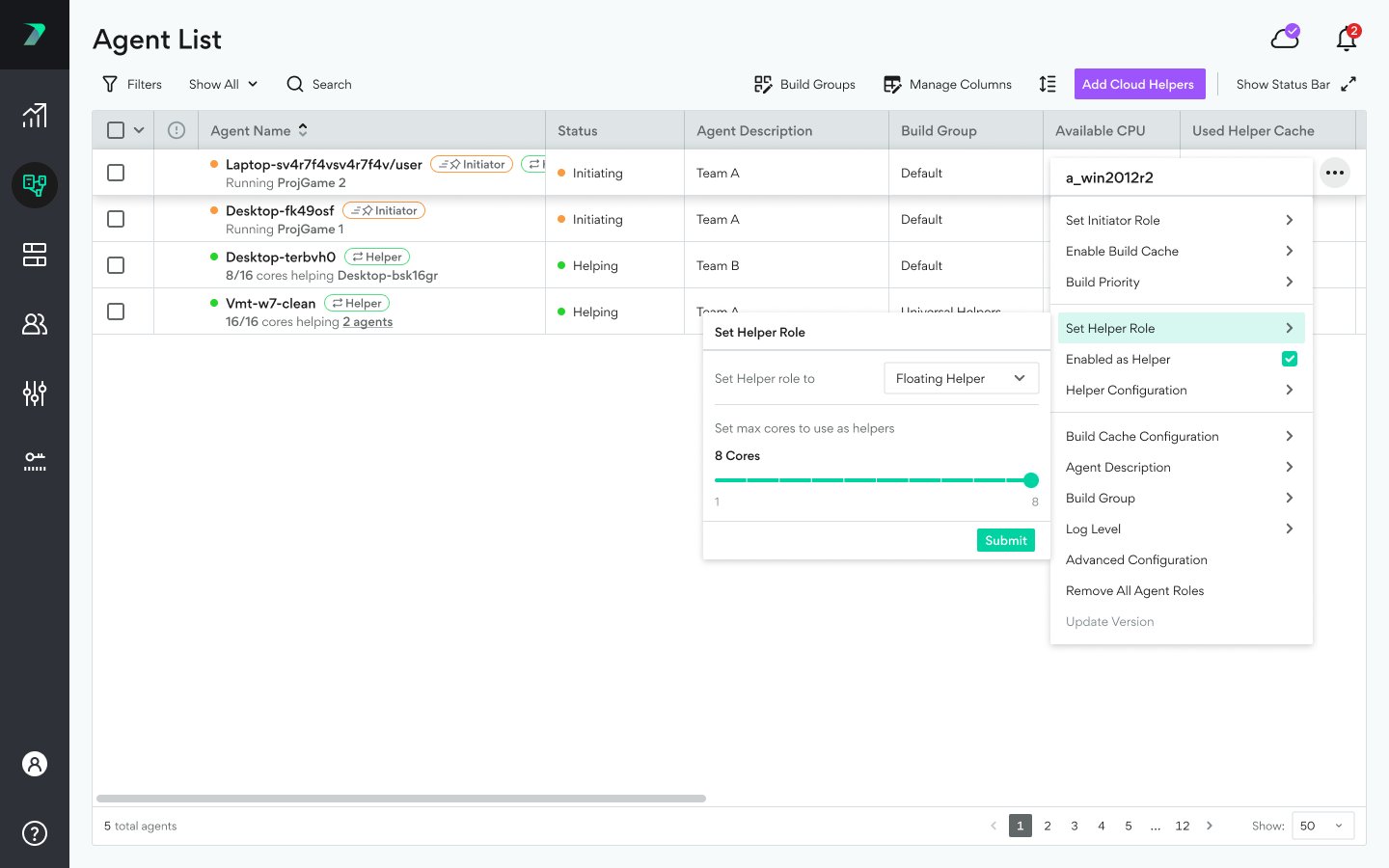
Agent Assignment Settings
In the Coordinator > Settings> Agent area, you can manage the default roles that are assigned to new agents as well as other settings relating to Agent assignments. For details, see Coordinator Settings.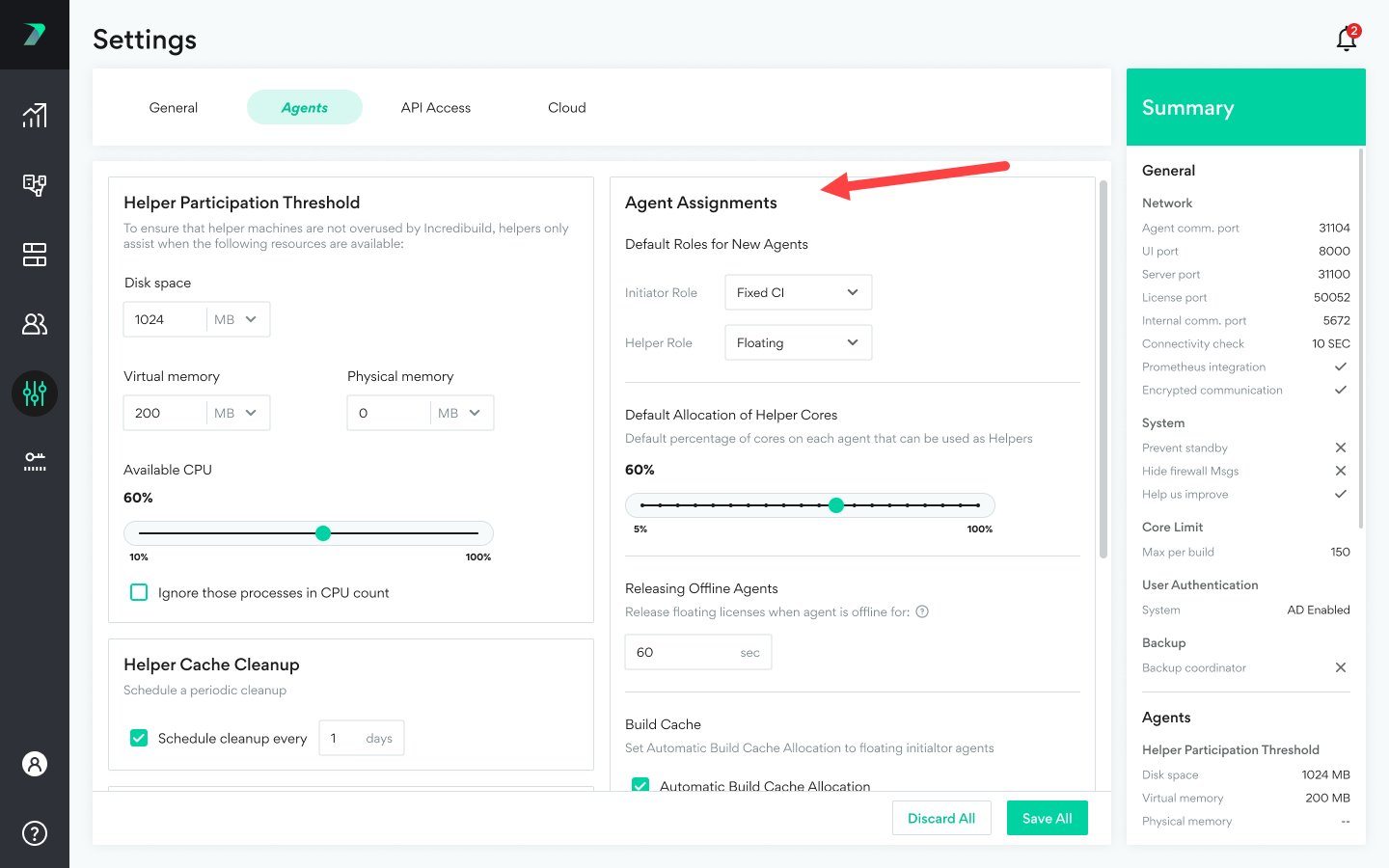
Refreshing Your License
If there was a change in your license, it can take a few hours for this to be automatically reflected in the Coordinator. You can instantly update it on your own at any time if you want to speed this process up. In the Coordinator > License tab, click Update License Now.