

- Install Incredibuild on the new Coordinator machine without adding the license. You must use the same ports as the original Coordinator used.
- Copy the following files that contain data from the Build List and Dashboard from the original Coordinator to the new Coordinator: C:\ProgramData\Incredibuild\Manager\Data\builds.db C:\ProgramData\Incredibuild\Manager\Data\dashboard.db
-
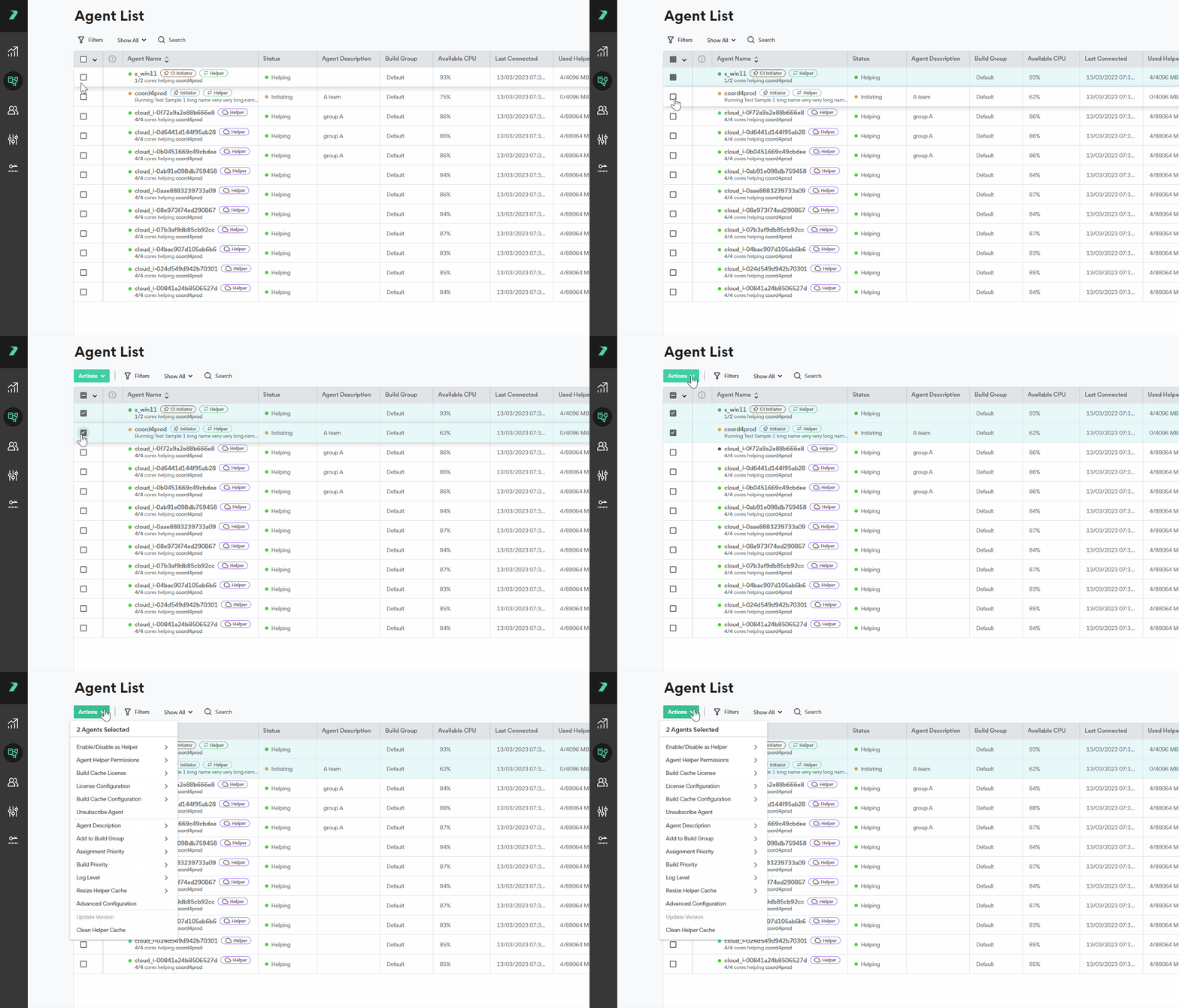
On the original Coordinator, go to the Agent List and select all of your agents.
-
Click Actions >Advanced Configuration.
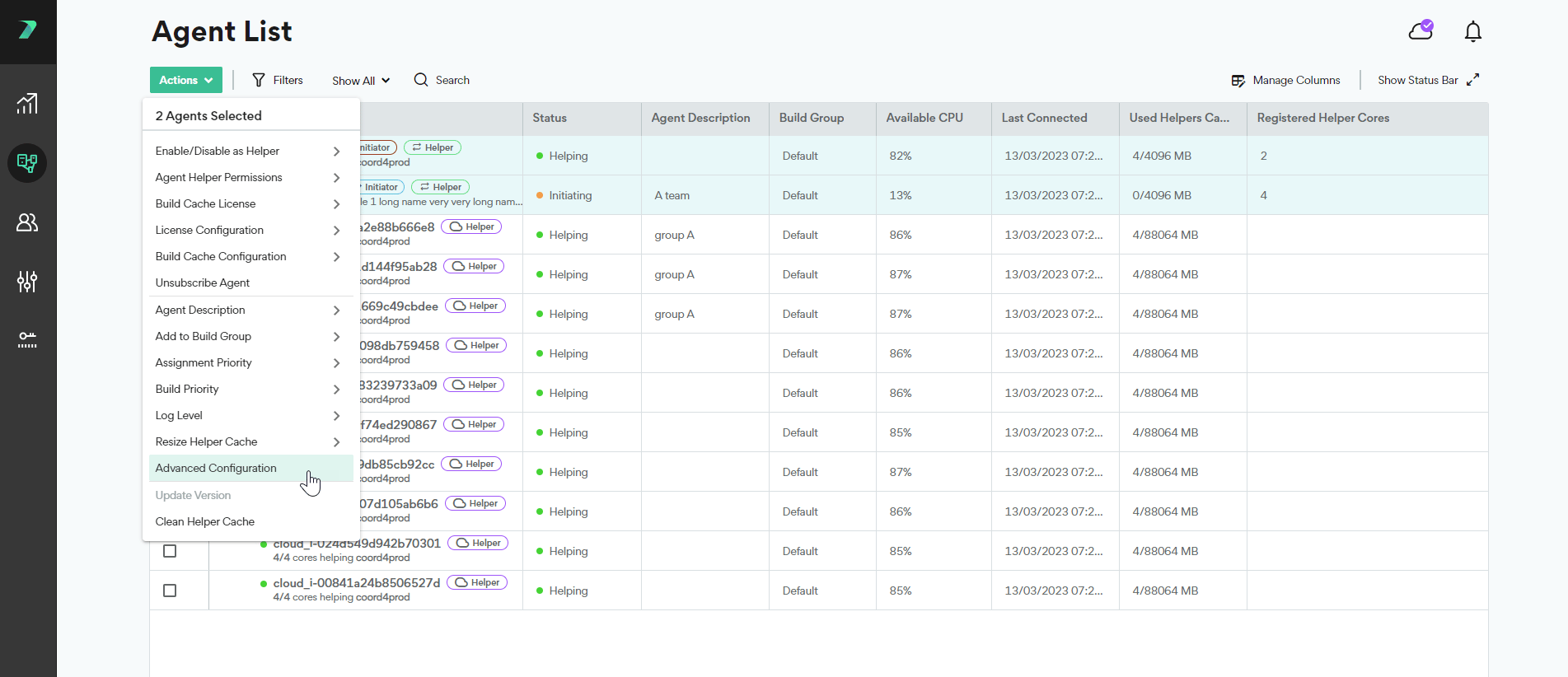
- Go to Coordinator Server and enter the IP of the new Coordinator machine.
- On your original Coordinator, go to the License page and copy the license key.
-
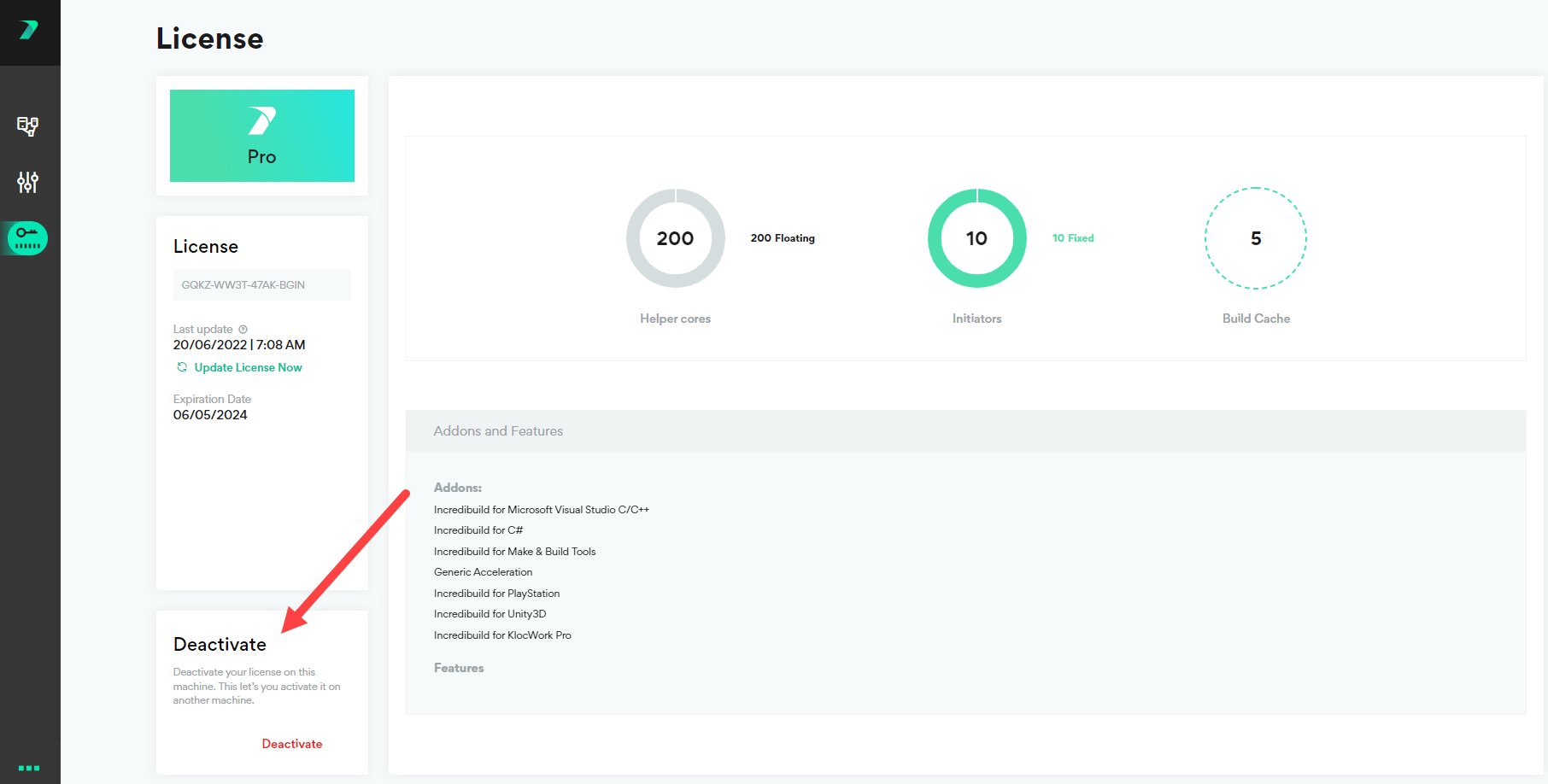
On your original Coordinator, go to the License page and click Deactivate License.
- On the new Coordinator, go to the Coordinator Manager and enter the license key.
Installation
Moving the Coordinator to a New Machine
Last updated on Dec 22, 2025
You must install the Coordinator on a physical machine, or a static VM.