

Incredibuild 9 for Windows
Incredibuild 9 for Windows
Pausing Incredibuild Cloud
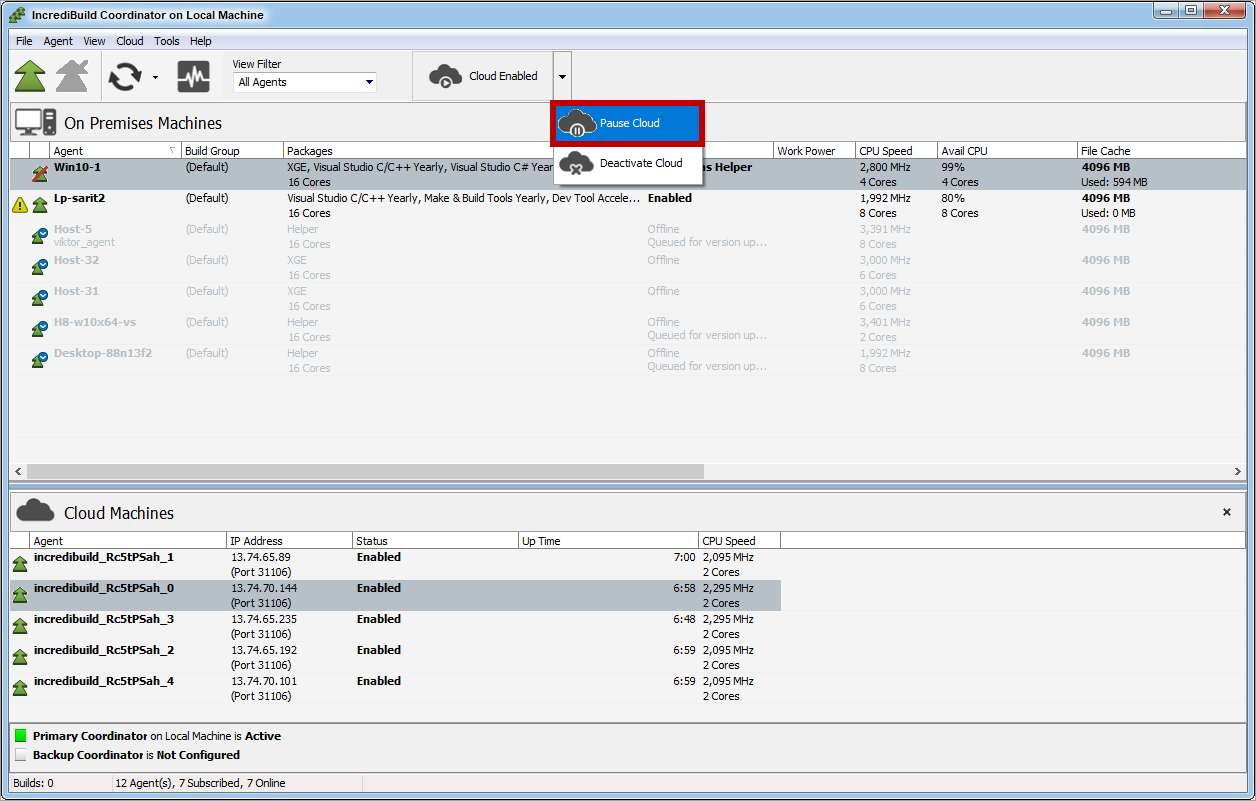
- On the upper bar of the Coordinator Monitor, open the Cloud drop-down list, and select the Pause Cloud option:
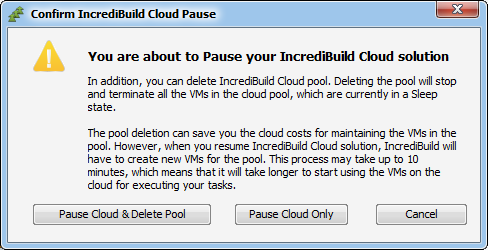
- On the Pause confirmation message, select one of the following:
Resuming Incredibuild Cloud


Incredibuild 10 for Windows
Incredibuild 10 for Windows
Pausing Incredibuild Cloud
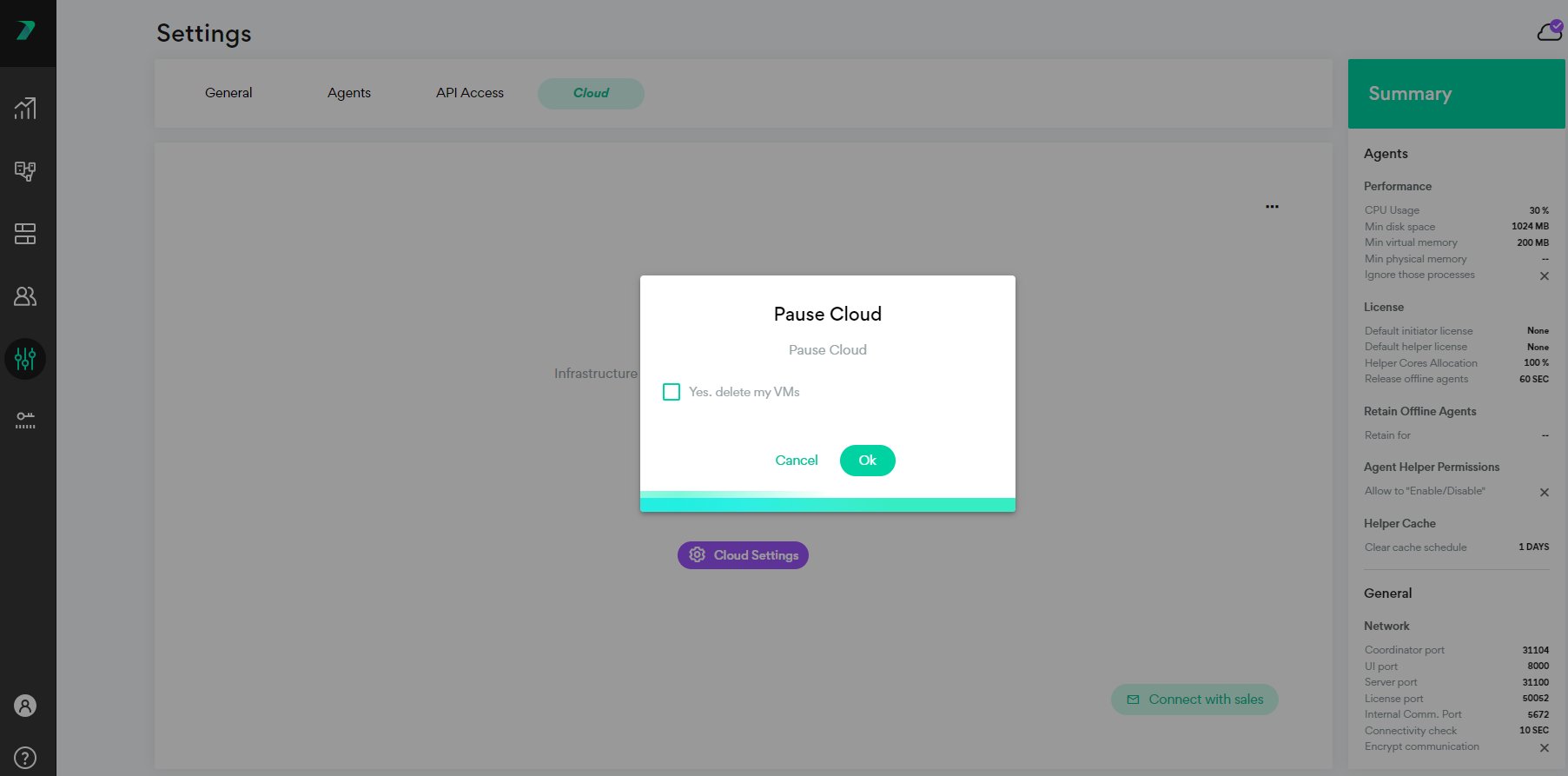
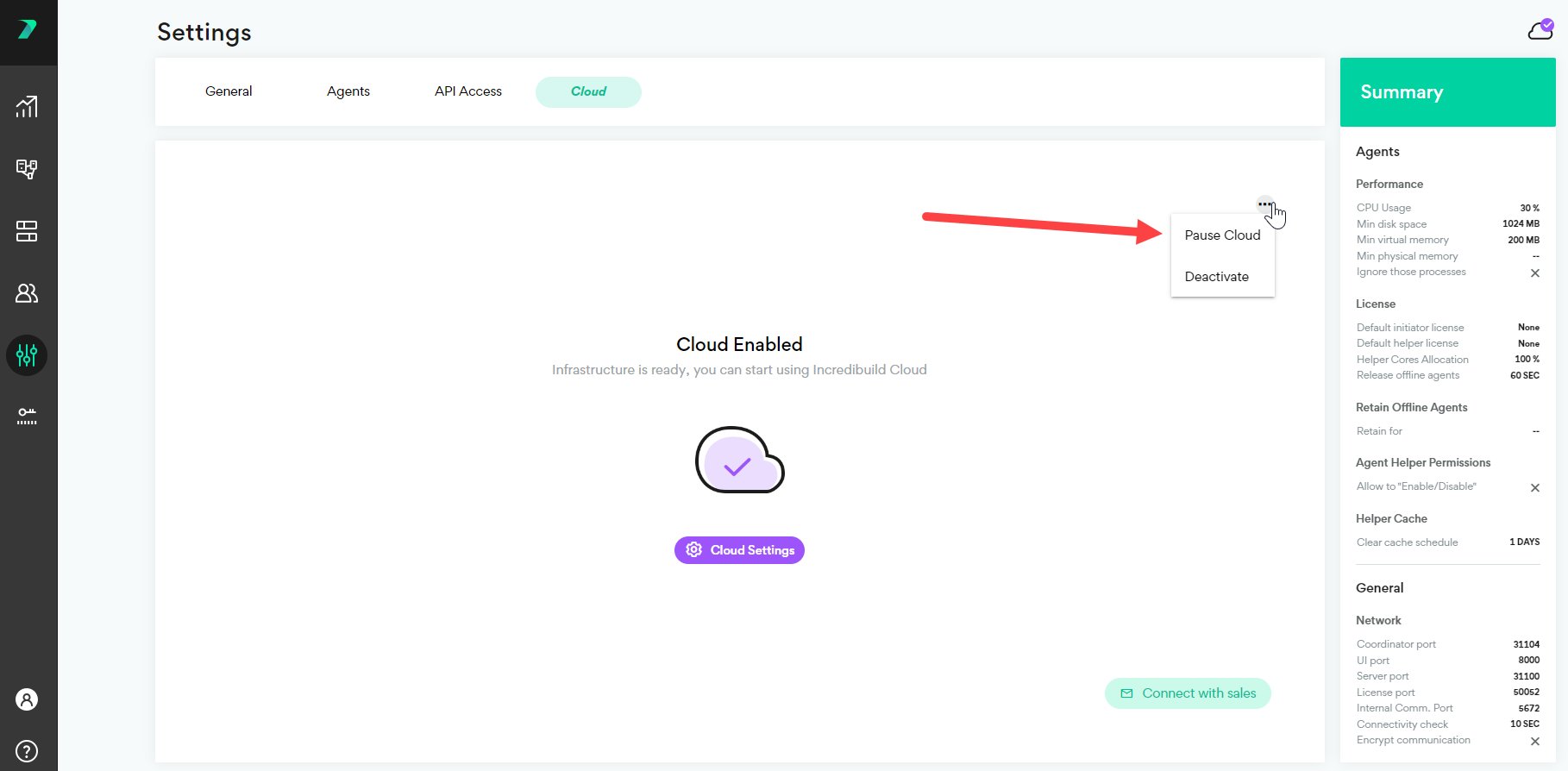
- On the upper bar of the Coordinator Monitor, open the Cloud drop-down list, and select the Pause Cloud option:
- On the Pause confirmation message, if you do not check the box and click Ok, your cloud environment will be paused. If you also check the box, your environment will be paused and your VMs will be deleted.