

-
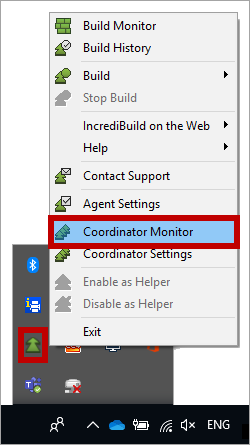
On the taskbar, right-click Incredibuild Agent icon, and select Coordinator Monitor:

Other
Opening the Coordinator Monitor and Verifying the Installation Success
To verify that the Coordinator and an Agents were installed successfully on your local machine, open the Coordinator Monitor.
To open the Coordinator Monitor: