

Purchasing and Installing Incredibuild Cloud
- Go to the AWS Marketplace.
- Click View Purchase Options.
- Select the number of Core Hours in your plan and complete the order. The IncrediLogin window will open automatically.
- In the IncrediUser Login window, click Create a New User.
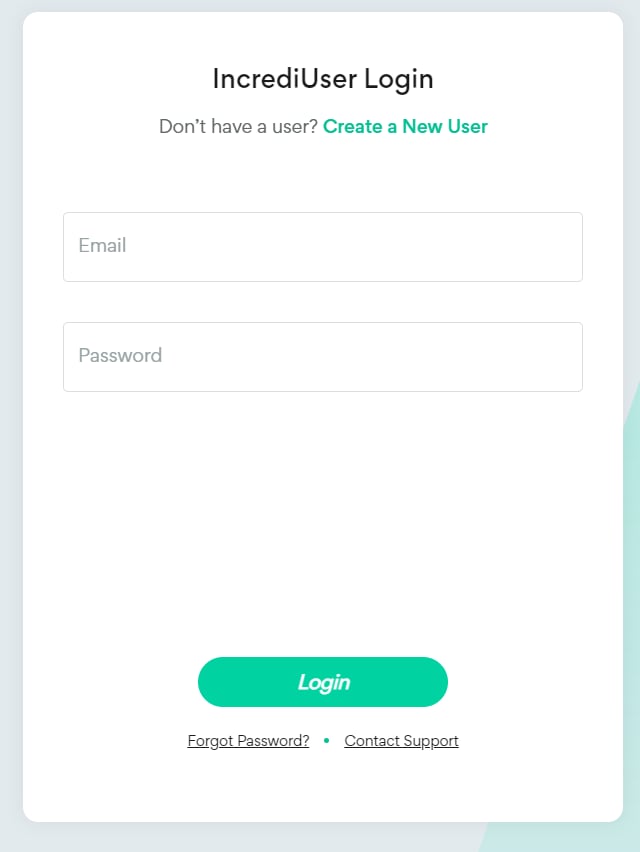
- Enter your user details and click Register.

- Create and enter your AWS Login details.
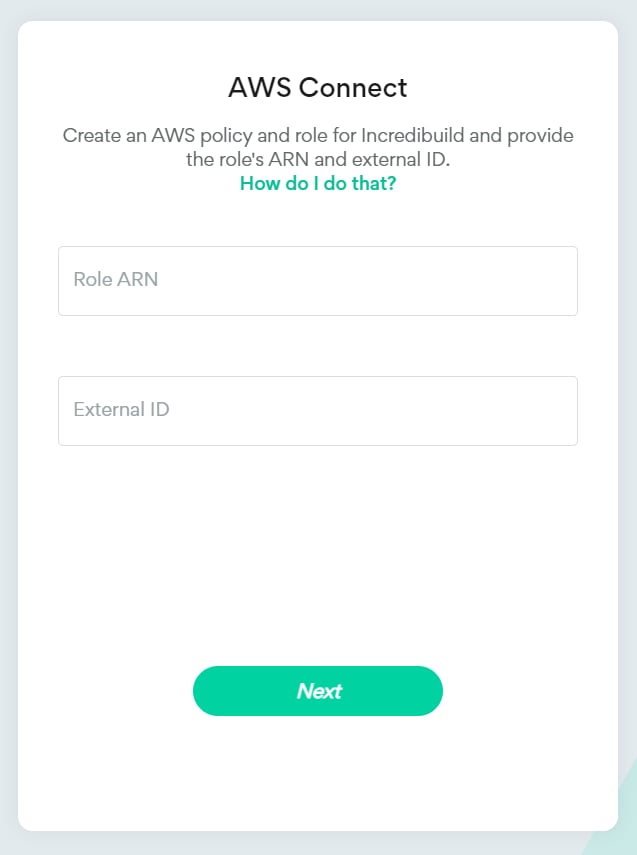
- Continue with the Cloud Settings. If you want to change these settings after configuring your environment, please contact support@incredibuild.com.
- After you receive an email, you can install Incredibuild on any machines that will be used to run builds using your Incredibuild Cloud Helpers. You can use the code provided in the email to install them using the command line, or use the Standard Installation Procedure. If you are not using the command line, perform a typical installation and connect to an existing Coordinator (the IP should be provided in the email).
Changing your Coordinator Machine
In general, we recommend not changing the Coordinator machine managed in AWS as most machine types can easily handle the workload. However, if you must change the machine, you can modify the AWS instance type while retaining the Coordinator data using this article. This will require updating all of you initiator machines to point to the new IP of the new Coordinator. We recommend contacting support@incredibuild.com before initiating this process.Limitation
- If you want to change the Cloud Settings after configuring your environment, please contact support@incredibuild.com.