- Have a valid Incredibuild Enterprise license loaded on the Coordinator machine.
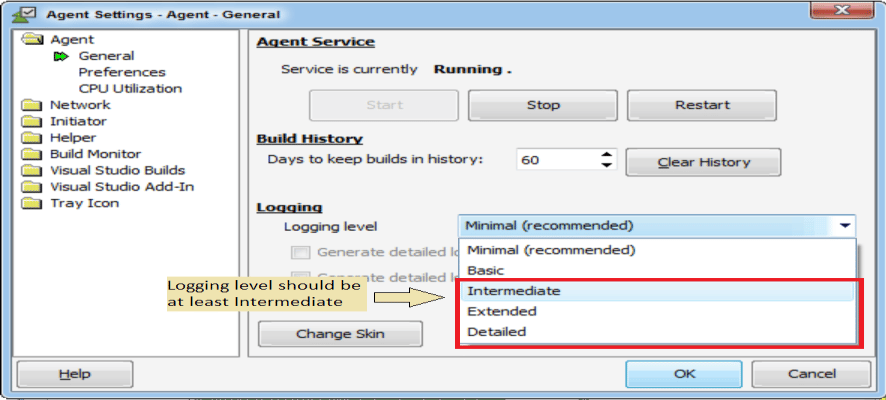
- Increase the Incredibuild logging level to at least “Intermediate” under the Incredibuild Agent Settings -> Agent -> General -> Logging level (it is highly recommended to decrease the logging level back to minimal after the research is completed, as logging level which is higher than minimal has some negative impact on performance).
- In the Incredibuild build monitor, check the “Show Agent Graphs” option under the “View” menu item.