


- On the Coordinator machine, in File Explorer, double-click on the BuildService.pfx file (located in install_dir\Incredibuild).

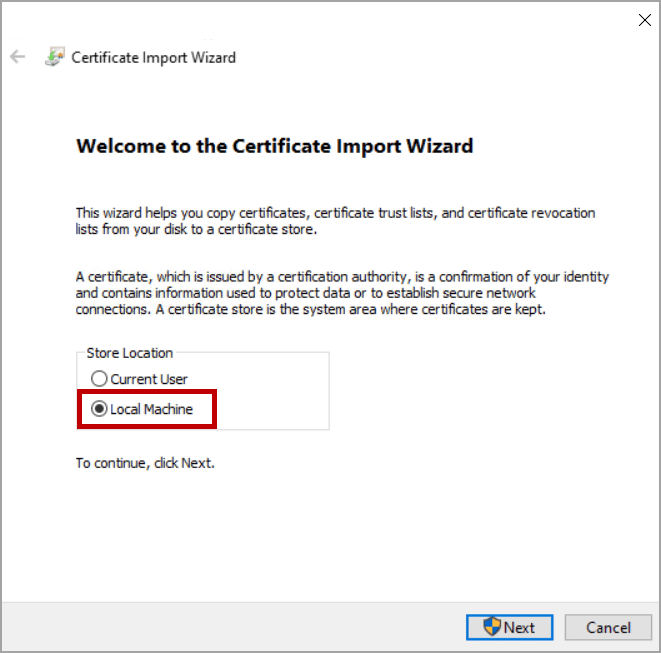
- Select Local Machine, and then click Next:
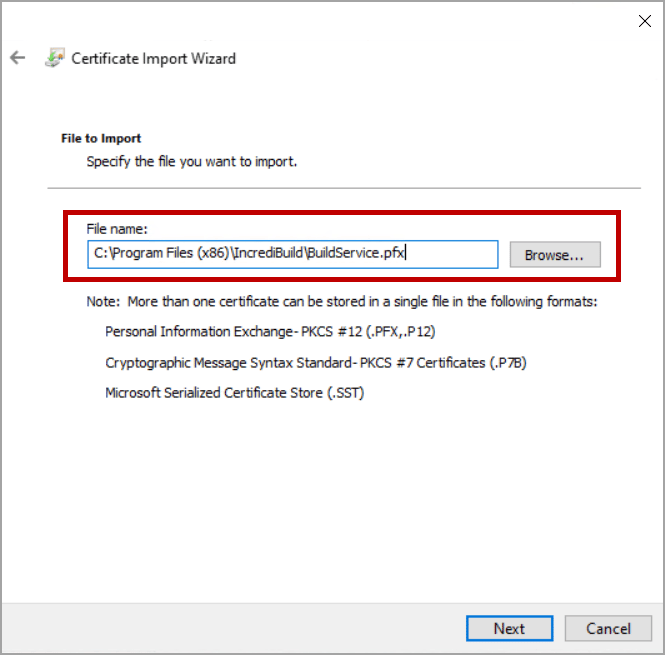
- Verify that the BuildService.pfx file is selected, or use the Browse button to load it, and then click Next.
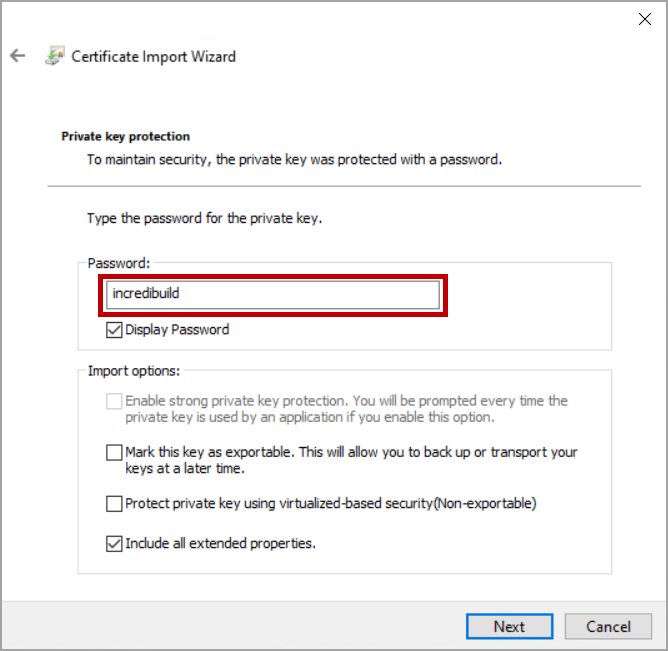
- Enter Incredibuild in the Password field and then, click Next.
- Select Place all certificates in the following store and then click Browse.

- Select Trusted Root Certification Authoritiesand then clickOK.
- Verify that the Trusted Root Certification Authorities is selected in the Certificate store field and then click Next.

- Verify your settings, and then click Finish to import the certificate.
